Graphic Design Course Syllabus 2026: Month-by-Month, with AI
A complete graphic design course syllabus for 2026, month by month: design basics, Photoshop, Illustrator, InDesign, AI tools, branding, print and portfolio.
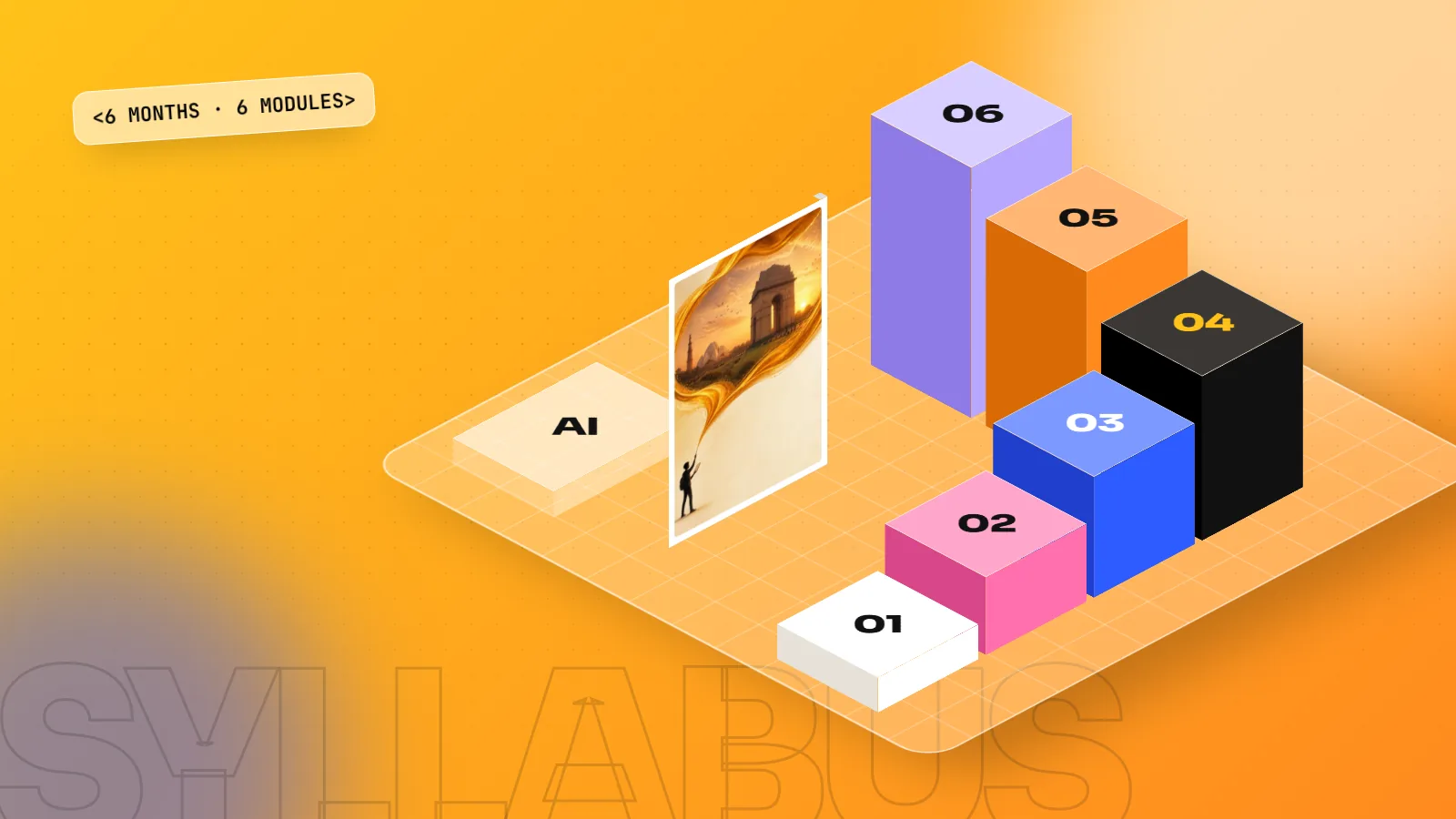
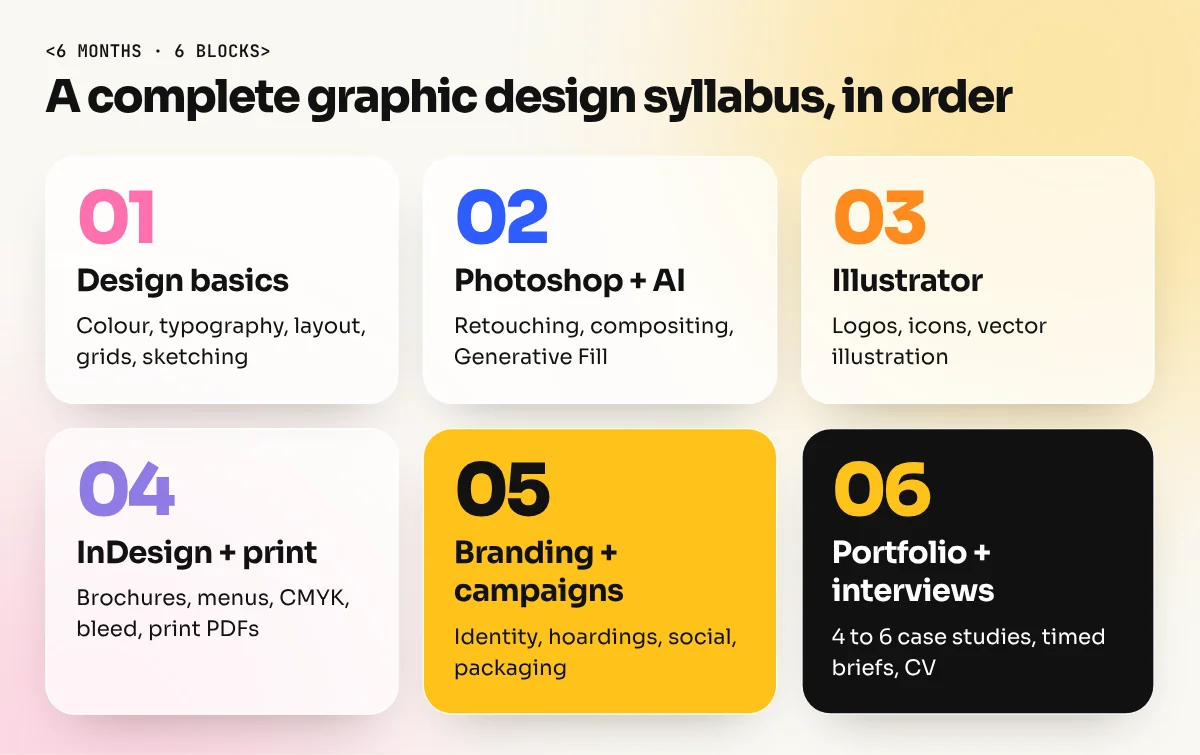
A complete graphic design course syllabus covers design basics (colour, typography, layout, grids), Adobe Photoshop, Illustrator and InDesign, AI tools like Photoshop Generative Fill, brand identity and ad campaigns, print production and a final portfolio with interview practice. In a 6-month diploma that is roughly one main block per month.
If you are comparing courses, the syllabus tells you more than any advert. This guide sets out a complete graphic design course syllabus for 2026, month by month, explains why each part matters and lists the red flags to watch for. Use it as a checklist when you speak to any institute, including us.
The full syllabus at a glance
| Month | Main block | You finish with |
|---|---|---|
| 1 | Design basics: colour, typography, layout, grids, sketching | A set of posters that follow real layout rules |
| 2 | Adobe Photoshop with AI (Generative Fill) | Retouched photos, ad visuals, social posts |
| 3 | Adobe Illustrator | Logos, icons, illustrations as clean vector files |
| 4 | Adobe InDesign and print production | A brochure, a menu and print-ready PDFs |
| 5 | Branding and ad campaigns | A full brand identity and a multi-format campaign |
| 6 | Portfolio, client briefs and interviews | A portfolio of 4 to 6 projects and interview practice |
The order matters. Basics come first because every tool after that depends on them. Software comes before branding because you need the tools to build a campaign. The portfolio comes last because it collects everything you made.
Month 1: Design basics
This is the month weak courses skip and the reason many self-taught designers struggle.
- Colour: colour wheel, contrast, colour moods, brand colours, RGB vs CMYK.
- Typography: typeface families, pairing, size, spacing, hierarchy and readability.
- Layout and grids: alignment, white space, balance, the rule of thirds, column and modular grids.
- Visual hierarchy: controlling what people see first, second and third.
- Sketching ideas: quick thumbnails before opening any software.

The layout lesson above, by designer Satori Graphics, is a good taste of this month: how the eye moves through a design, why grids matter and the many grid types designers use.
Month 2: Adobe Photoshop with AI
Photoshop is the most-used tool in design jobs because almost every project touches a photo.
- Workspace, layers, masks, adjustment layers and blend modes.
- Retouching, colour correction and cut-outs.
- Compositing: building one ad visual from several images.
- AI inside Photoshop: Generative Fill and Generative Expand to extend, clean and change images.
- Social media post sizes and export settings for web.
Month 3: Adobe Illustrator
Illustrator draws with vectors, so artwork stays sharp from a visiting card to a hoarding.
- Pen tool, shapes, pathfinder and the shape builder.
- Logo design from sketch to final vector mark.
- Icons, patterns and flat illustration.
- Type as image: wordmarks and lettering.
Month 4: InDesign and print production
Many students never learn print, then lose jobs at agencies that still produce brochures, menus and packaging.
- Pages, master pages, paragraph and character styles.
- Brochure, menu, magazine and catalogue layouts.
- Print basics: CMYK, bleed, safe margins, paper types and resolution.
- Preflight checks and print-ready PDFs.
Month 5: Branding and ad campaigns
This is where tools turn into real design work.
- Brand strategy basics: audience, message and tone.
- Brand identity: logo, colours, type, imagery and a simple brand guide.
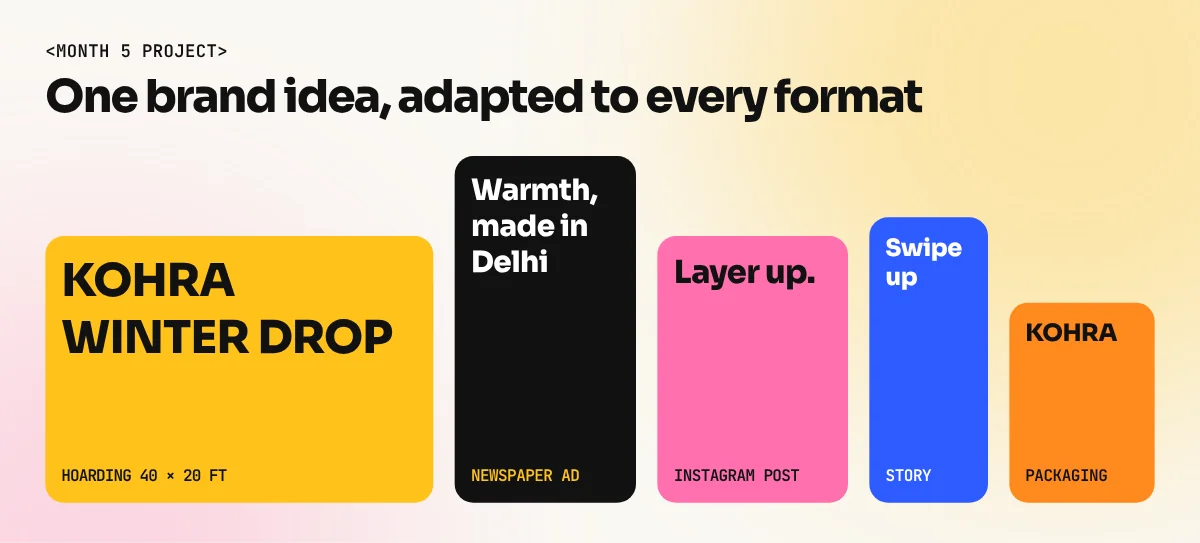
- Ad campaigns across formats: hoarding, newspaper ad, social posts, stories, packaging and a website banner, all for one brand.
- Using AI for moodboards and quick variations, then finishing by hand.
Month 6: Portfolio, briefs and interviews
- Selecting and presenting your best 4 to 6 projects as case studies.
- Working to a timed client brief, like a real agency test.
- Presenting your work and explaining design decisions.
- CV, online portfolio and interview practice.
For a step-by-step guide to this month, read how to make a graphic designer portfolio with no experience.
Red flags in a graphic design syllabus
- Only software. If the syllabus is a list of tools with no colour, typography or layout, you will learn buttons, not design.
- No print. Agencies, printers and packaging firms still need print-ready files.
- No AI at all, or only AI. You need both, in that order.
- No portfolio time. A course that ends without 4 to 6 finished projects leaves you with a certificate and nothing to show.
- Group classes so large the trainer never sees your work. Feedback is how designers improve.
How our diploma follows this syllabus
Our 6-month graphic design diploma in South Extension follows this order, 1-to-1 with a trainer, in the classroom or live online, with a written job guarantee. If you have just finished school, see the graphic design course after 12th. If you only need one tool, there are short courses for Photoshop, Illustrator and InDesign.
Not sure which course fits? Read how to choose the best graphic designing course in Delhi or see the fees.
Frequently asked questions
How long is a graphic design course?
Short software courses take a few weeks each. A complete job-ready graphic design course or diploma usually takes around 6 months, because you need time to practise and build a portfolio, not just learn tools.
Which subjects are in a graphic design course?
Colour theory, typography, layout and grids, Photoshop, Illustrator, InDesign, AI design tools, branding, advertising design, print production and portfolio building. Good courses add client briefs and interview practice.
Is drawing part of the graphic design syllabus?
Simple sketching is, because it helps you plan ideas quickly. You do not need to be good at drawing to join. Most graphic design work is about ideas, type, colour and layout.
Does the syllabus include AI?
A 2026 syllabus should. Look for Photoshop Generative Fill and AI image tools taught next to typography and layout, so you learn to judge and finish AI output, not just generate it.