Will AI Replace Graphic Designers? What Changes and What Stays Human
Will AI replace graphic designers? What the job data says, which design tasks AI already does, which still need a human and how to build an AI-proof design career.
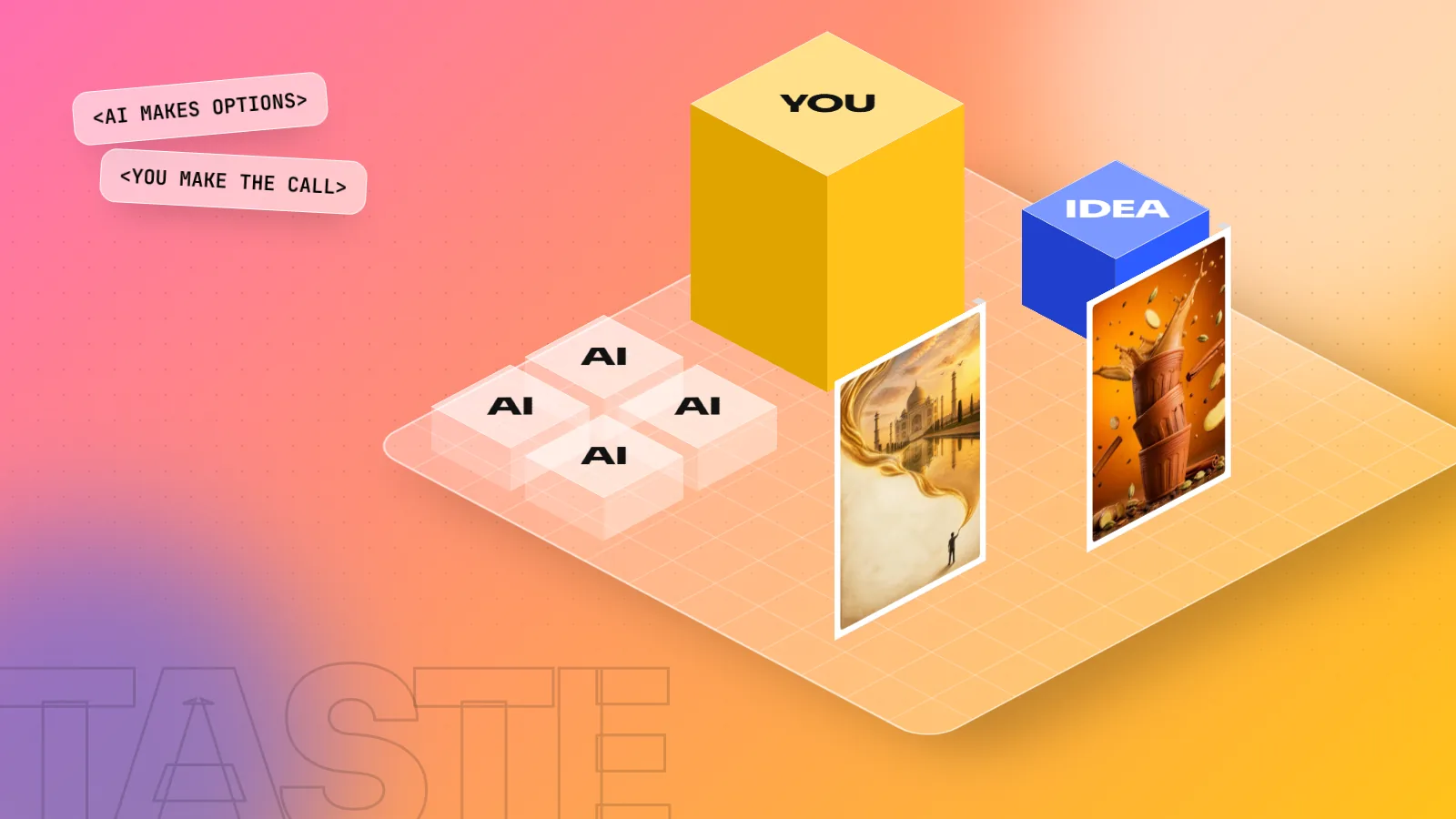
No, not the designers who learn to use it. AI now makes images, variations and resizes in seconds, so routine production work is shrinking. The brief, the idea, brand judgement, typography, layout and final files still need a person. Designers who direct AI tools win; designers who only do repetitive edits are at risk.
Short answer: AI will not replace graphic designers who know how to use it. It is already replacing a lot of the repetitive work designers used to do by hand. That is a real change and it changes what you should learn. This guide explains what the job data says, what AI does well, what it still cannot do and the skills that keep a designer in demand.
What the job data actually says
Two well-known reports are worth reading together, because they point in slightly different directions.
- World Economic Forum, Future of Jobs Report 2025. Employers surveyed in this report (around 1,000 companies employing over 14 million workers across 55 economies) placed graphic designers among the fastest-declining job titles for the next five years. In the same report, UI and UX designers were among the fastest-growing roles and creative thinking was one of the skills employers expect to grow in importance.
- US Bureau of Labor Statistics. Its outlook for graphic designers shows employment roughly flat to slightly down over the next ten years, yet still about 16,000 job openings every year in the US alone, mostly from people retiring or changing careers.
So the honest picture is this: the number of "pure production" design jobs is shrinking, while design work tied to digital products, brands and ideas keeps growing. Openings do not disappear overnight. The type of designer companies hire is changing.
What AI already does well
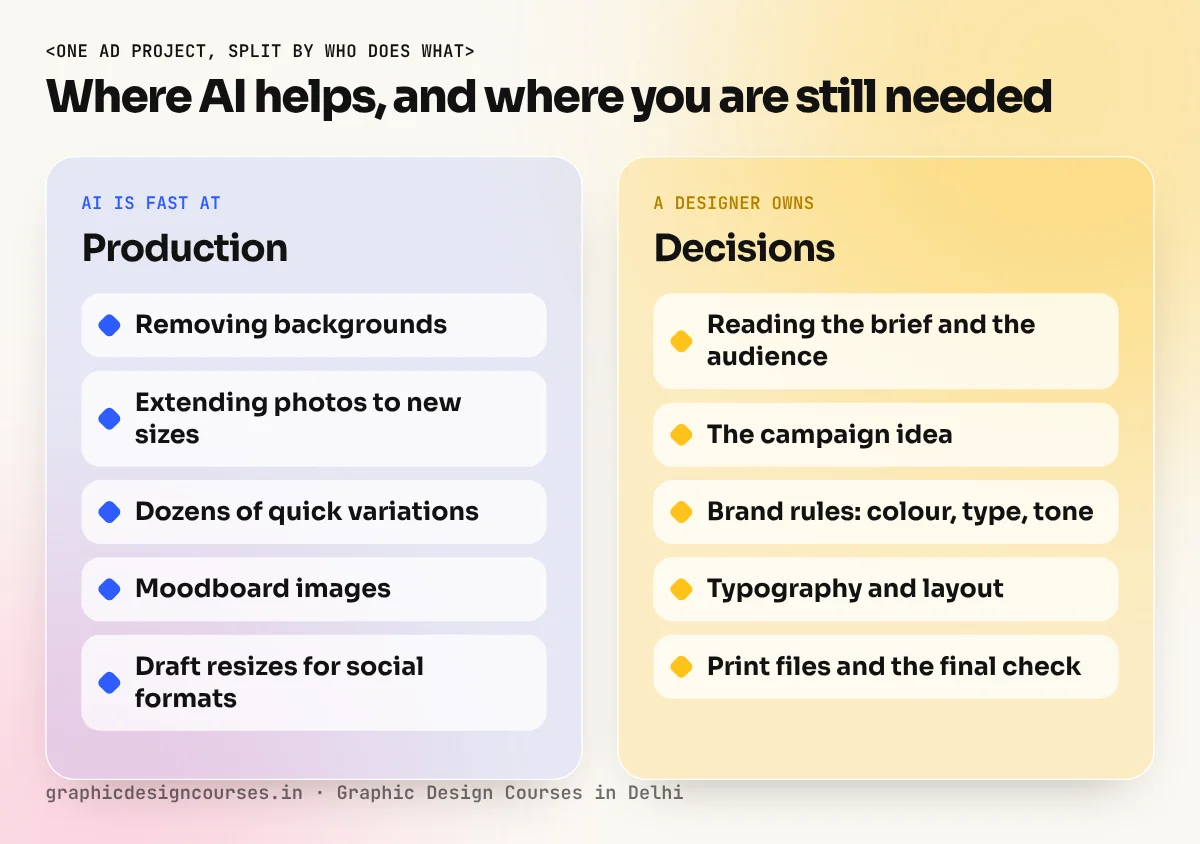
Be clear-eyed about this. In 2026, AI tools can do these jobs in seconds:
| Task | What AI does | Where it still needs you |
|---|---|---|
| Background removal and clean-up | Near-perfect in one click | Hair, glass and fine edges on print jobs |
| Extending a photo (Generative Expand / Fill) | Adds believable sky, floor or crowd | Checking for odd hands, text or logos |
| Quick image ideas for a moodboard | Dozens of directions in a minute | Choosing the one that fits the brand |
| Resizing one design into many formats | Fast first drafts | Fixing text that breaks or crowds |
| Copy suggestions and headline options | Many options | Picking the line that matches the brief |
If your daily work is mostly these tasks, AI is coming for that part of your job. The fix is not to avoid AI. The fix is to move up to the work in the next section.
What AI cannot do (yet)
AI makes pictures. A graphic designer solves a communication problem. Those are different jobs.
- Understanding the brief. A sweet shop in Lajpat Nagar and a fintech app need very different feelings, even if both say "modern". Reading what the client really wants and what they did not say, is human work.
- Having the idea. AI is very good at the average of what already exists. A campaign idea that surprises people, like a chai brand that turns steam into a city skyline, starts in a person's head.
- Brand judgement and consistency. A brand lives across hoardings, packaging, reels and a website. Keeping colour, type and tone the same across all of them needs rules that a designer writes and protects.
- Typography and layout. AI still struggles with clean, accurate text inside images and with hierarchy: what the eye reads first, second and third.
- Print and production. CMYK colour, bleed, paper and print-ready PDFs decide whether a 40-foot hoarding looks right. One wrong setting wastes the client's money.
- Responsibility. Someone has to check that an image is original, that a face is not a real person used without permission and that the brand will not be embarrassed. Clients trust a person for that.

The video above, by designer Satori Graphics, makes the same point from a working designer's side: AI layouts look clean but generic and the value a human adds is purpose, empathy for the viewer and ideas people remember.
The new job: designer as AI director
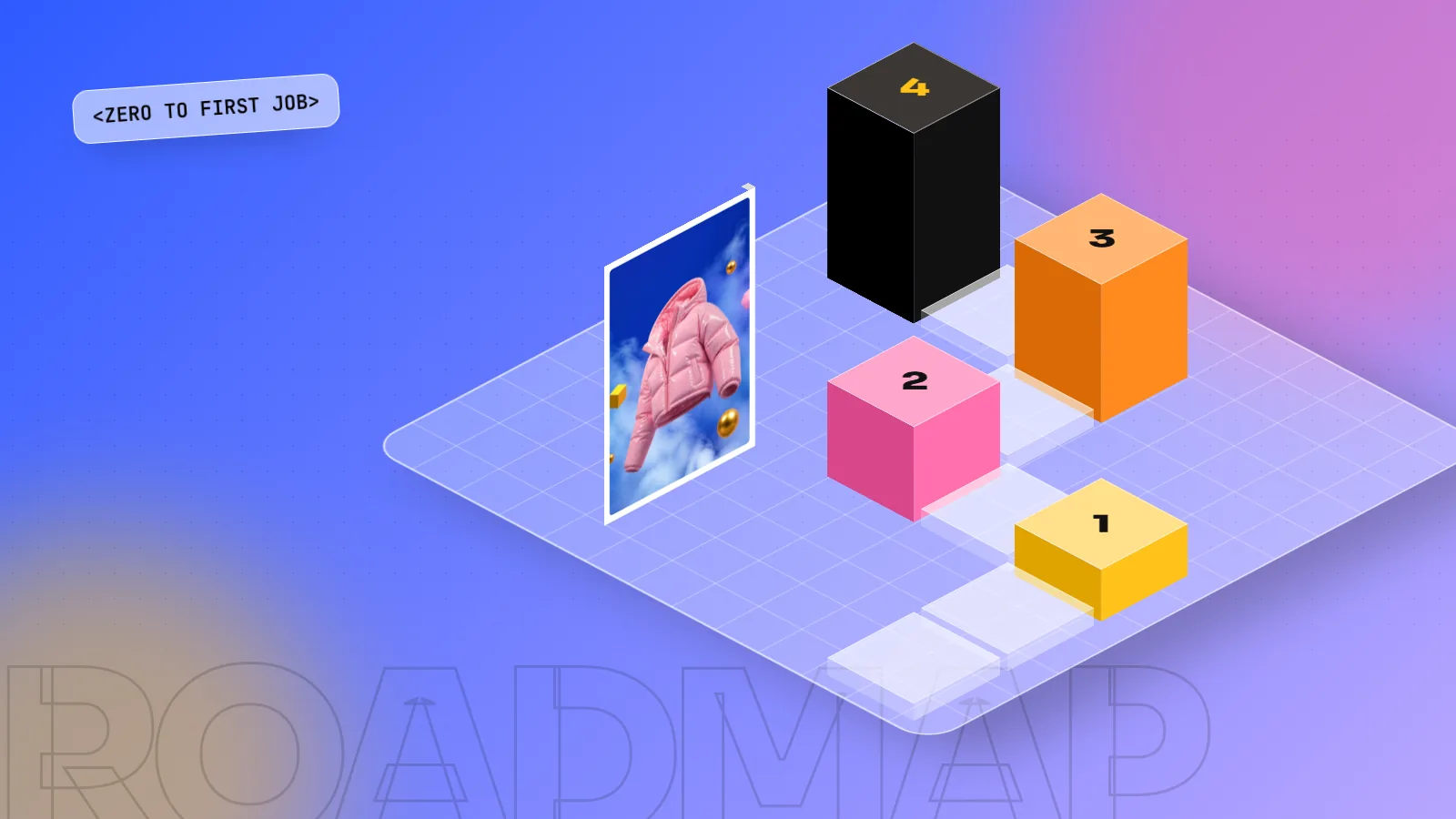
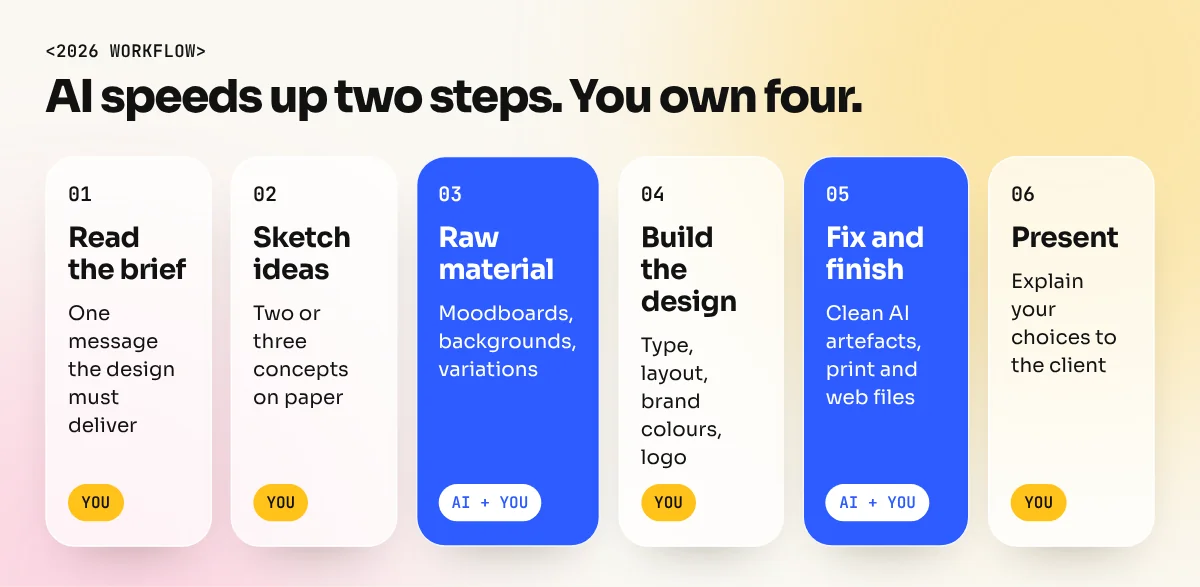
The designers doing well right now use AI the way a photographer uses a better camera. A typical workflow looks like this:
- Read the brief and write down the one message the design must deliver.
- Sketch two or three ideas on paper. This step stops you from just accepting the first thing AI shows you.
- Use AI for raw material: moodboards, background plates, product mock-ups, quick variations.
- Build the real design yourself in Photoshop, Illustrator or InDesign: typography, layout, brand colours, logo placement.
- Fix and finish: clean AI artefacts, match colours, prepare files for print or social.
- Present and explain your choices to the client. This is where trust and repeat work come from.
AI made steps 3 and 5 faster. Steps 1, 2, 4 and 6 are still the designer's job and they are what clients pay for.
Skills that make you hard to replace
If you are starting a graphic design course now, or already working, put your time here:
- Design basics that never change: colour, typography, grids, hierarchy. These let you judge AI output instead of just accepting it.
- Adobe Photoshop with Generative Fill, so you can edit and finish AI images properly.
- Adobe Illustrator, because brands need clean vector logos and icons that AI images cannot give.
- Brand thinking: how a logo becomes a full identity across hoardings, packaging and social media.
- Prompt writing for designers: describing light, camera angle, style and composition so AI gives you useful raw material.
- Presentation and client communication: explaining why your design works.
- A digital edge: basic UI and social media motion, since those roles are growing.
What this means if you are choosing a course
Avoid any course that teaches only software buttons, or only AI prompts. Look for one that teaches design thinking, the Adobe tools and AI together and that makes you build real campaigns for a portfolio. That combination is exactly what employers now ask for.
At our South Extension institute, AI is part of the AI graphic design course and built into the 6-month graphic design diploma: Photoshop Generative Fill and AI image tools, used next to typography, layout and print. If you want to compare options first, read how to choose the best graphic designing course in Delhi.
The bottom line
AI is not the end of graphic design. It is the end of graphic design as only button-pressing. Learn the thinking, learn the tools and let AI do the boring parts. Designers who do that are not being replaced. They are the people companies want to hire.
Frequently asked questions
Is graphic design still a good career with AI?
Yes, if you learn design thinking and AI tools together. Companies still need people who understand a brief, a brand and the audience. Routine resizing and simple edits are being automated, so plan to work above that level.
Which graphic design jobs are most at risk from AI?
Jobs that are mostly repetitive production: resizing one design into many formats, simple photo clean-ups, basic social posts from templates and stock-style images. Roles built on ideas, brand systems and client decisions are much safer.
Should I learn AI tools or design basics first?
Learn the basics first, then add AI. Colour, typography, layout and Photoshop skills let you judge and fix what AI makes. Without them you cannot tell a good AI result from a bad one.
Can AI make a logo for a client?
AI can suggest logo ideas, but the output is usually a raster image, not a clean vector file and it may look like existing marks. A designer still has to draw the final logo, check it is original and build the brand rules around it.