Best AI Tools for Graphic Design in 2026: What Each One Is Really For
The best AI tools for graphic design in 2026, grouped by job: image editing, idea generation, text in images, vectors, colour and upscaling. Free options and limits.
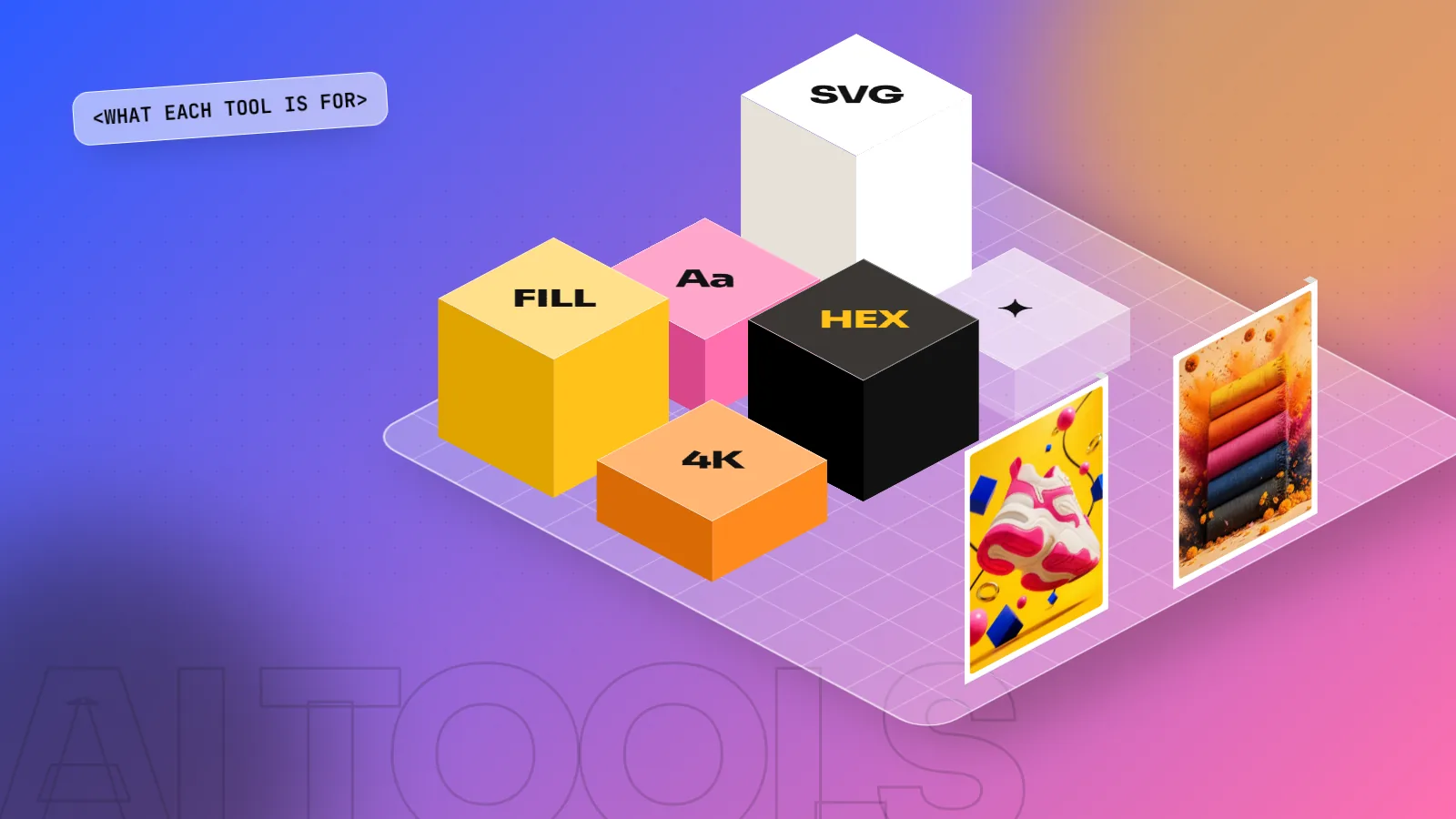
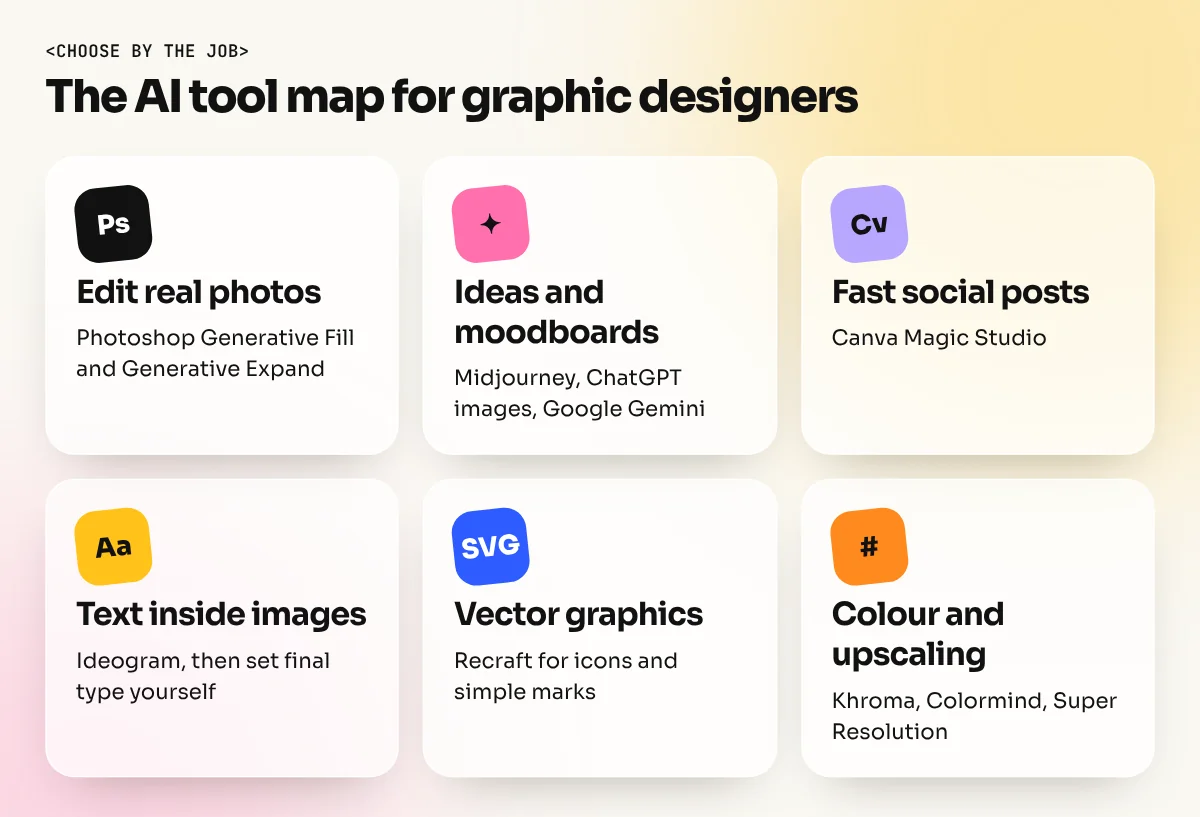
For most graphic designers the most useful AI tools in 2026 are Photoshop Generative Fill for editing real photos, Canva Magic Studio for fast social content, Midjourney or ChatGPT and Gemini image tools for ideas, Ideogram for text inside images, Recraft for vector output and simple colour tools like Khroma. Pick tools by the job, not by hype.
There are hundreds of "AI design tools" now and most lists just name the popular ones. This guide is different: it groups the best AI tools for graphic design by the job they do, says honestly where each one falls short and shows how working designers combine them. Tools change every few months, so learn the job each tool does. That knowledge lasts longer than any single app.
The quick list
| Job | Best tools in 2026 | Free option? |
|---|---|---|
| Editing real photos with AI | Photoshop Generative Fill and Generative Expand | Trial only |
| Fast social posts and presentations | Canva Magic Studio | Yes, with limits |
| Image ideas and moodboards | Midjourney, ChatGPT images, Google Gemini | ChatGPT and Gemini have free limits |
| Text inside images | Ideogram | Yes, with limits |
| Vector (SVG) icons and simple graphics | Recraft | Yes, with limits |
| Colour palettes | Khroma, Colormind | Yes |
| Making small images bigger (upscaling) | Photoshop Super Resolution, Let's Enhance | Limited |
| UI and app screens | Figma AI | Yes, with limits |
Free limits and features change often. Always check the tool's own page before you plan a project around it.
1. Photoshop Generative Fill: the one every designer needs
If you learn only one AI feature, learn this. Generative Fill and Generative Expand work inside a real Photoshop file, on top of real photos, with layers and masks. That matters because client work almost always starts with a real product shot, a real model or a real shop front.
Use it to:
- Extend a square product photo into a wide hoarding format.
- Remove wires, people or clutter from a location shot.
- Add a simple background that you then colour-match by hand.
Watch out for warped text, extra fingers and logos that appear out of nowhere. Zoom to 100% and check every edge before you send a file.
2. Canva Magic Studio: speed for social media
Canva's AI features help non-designers and social media teams make posts, resize them and write captions fast. For a designer, it is useful for quick drafts and for handing editable templates to a client's team. It is not where you build a brand identity or a print-ready hoarding. Read our guide on Photoshop vs Illustrator vs Canva to see where each fits.
3. Midjourney, ChatGPT and Gemini: ideas and moodboards
These tools are best at early ideas: lighting, mood, style and composition you would never have time to shoot. Ten minutes of good prompts can give a client three clear creative directions before you design anything.
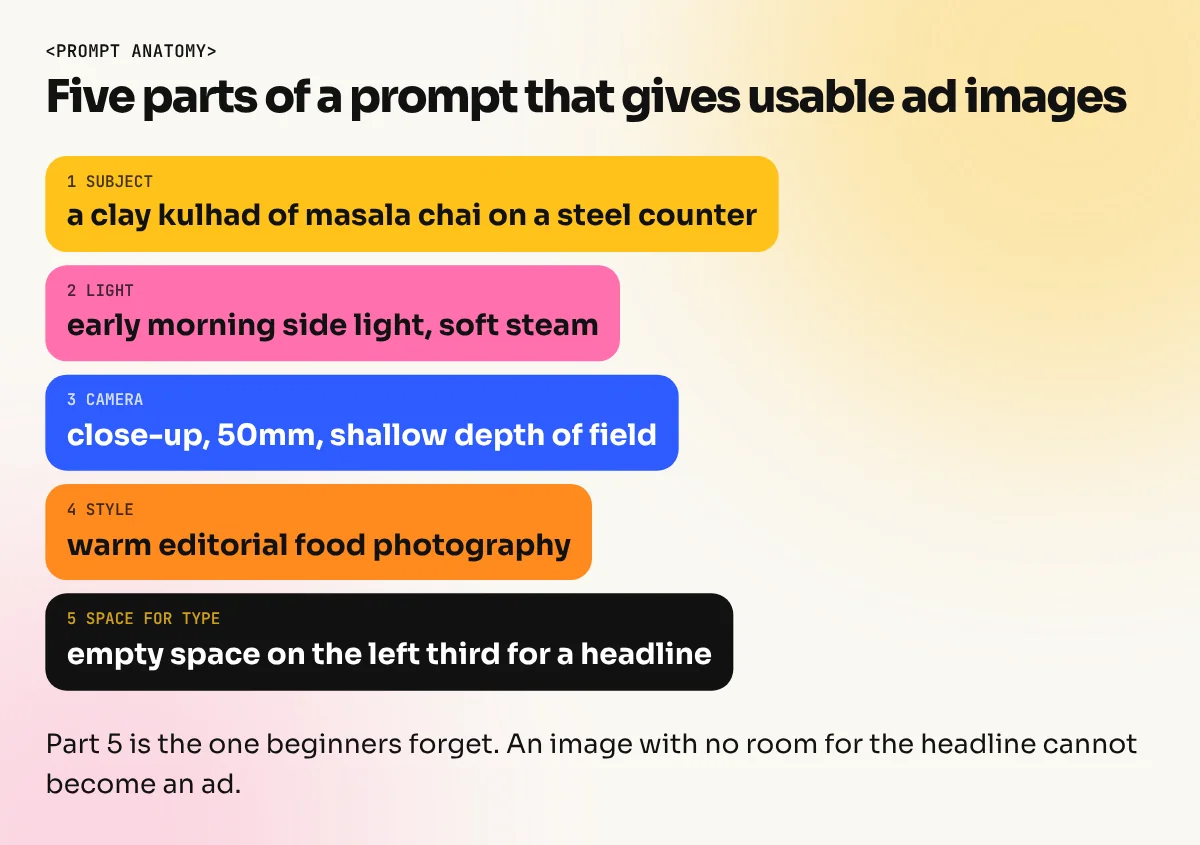
A prompt that works well for designers names five things:
- Subject: "a clay kulhad of masala chai on a steel counter"
- Light: "early morning side light, soft steam"
- Camera: "close-up, 50mm, shallow depth of field"
- Style: "warm editorial food photography"
- Space for type: "empty space on the left third for a headline"
Point five is the one beginners forget. A beautiful AI image with no room for the headline is useless for an ad.
4. Ideogram: when the image needs words
Most image generators still mangle text. Ideogram is known for reading and placing words more accurately, which helps for poster concepts and mock-ups. For final work, still set the type yourself in Illustrator or Photoshop. A client will notice one wrong letter on a hoarding.
5. Recraft: vector output
Most AI tools give you a flat image (pixels). Recraft can produce vector graphics, which you can scale and edit like Illustrator files. That helps for icon sets and simple illustrations. Free images may be public and some export options need a paid plan, so check before client work.
6. Colour and type helpers
Small, free tools save real time:
- Khroma learns the colours you like and suggests palettes.
- Colormind builds palettes and lets you lock the colours you want to keep.
- Fontjoy suggests font pairings you can then test in a real layout.
These do not replace an eye for colour and type. They give you a faster starting point.

In the video above, designer Anik Jain shows how he uses a few of these tools in real work: palette generators, font pairing, upscaling small client images and AI image generation for concepts. It was made in 2024, so some screens look different now. The approach still holds.
How to use AI tools without hurting your work
- Start with a sketch, not a prompt. Decide the idea first. Use AI to explore it.
- Keep a human finish. Every AI image should pass through your own colour, type and layout.
- Check licences. Use tools that allow commercial use for client work and keep a record of what you used.
- Never fake reality for a client. No AI faces passed off as real customers, no fake reviews, no copied brand styles.
- Save time, then spend it on ideas. If AI saves you two hours, use them on a better concept, not on more average output.
Learn AI tools the right way
At our South Extension institute, the AI graphic design course teaches prompt writing for ads, Photoshop Generative Fill and AI image tools, then how to finish that work with real typography, layout and print skills. If you are new to Photoshop, start with the Photoshop course. AI is also part of the full graphic design diploma.
Wondering if all this means fewer jobs? Read will AI replace graphic designers for the honest answer.
Frequently asked questions
What is the best free AI tool for graphic design?
For beginners, Canva's free plan includes some Magic Studio features and ChatGPT and Google Gemini can make and edit images within free limits. Free plans change often and usually limit how many images you can make, so check the current limits before you rely on one.
Can I use AI images in client work?
Yes, with care. Check the tool's licence for commercial use, avoid prompts that copy a living artist or a real brand, never use a real person's face without permission and always finish the image yourself so it fits the brand.
Do AI tools make Photoshop unnecessary?
No. AI tools make raw images. Photoshop is where you clean them, combine them with real photos, match colours and prepare the final file. Photoshop now has AI inside it as well, through Generative Fill and Generative Expand.
Which AI tool is best for logos?
No AI tool replaces a designed logo. Recraft can export vector files, which helps with icons and simple marks. For a client logo, use AI only for early ideas, then draw the final mark in Illustrator and check it is original.