Photoshop vs Illustrator vs Canva: Which Should You Learn First?
Photoshop, Illustrator or Canva first? What each tool is for, which jobs ask for it and the order we teach in our graphic design course in Delhi.
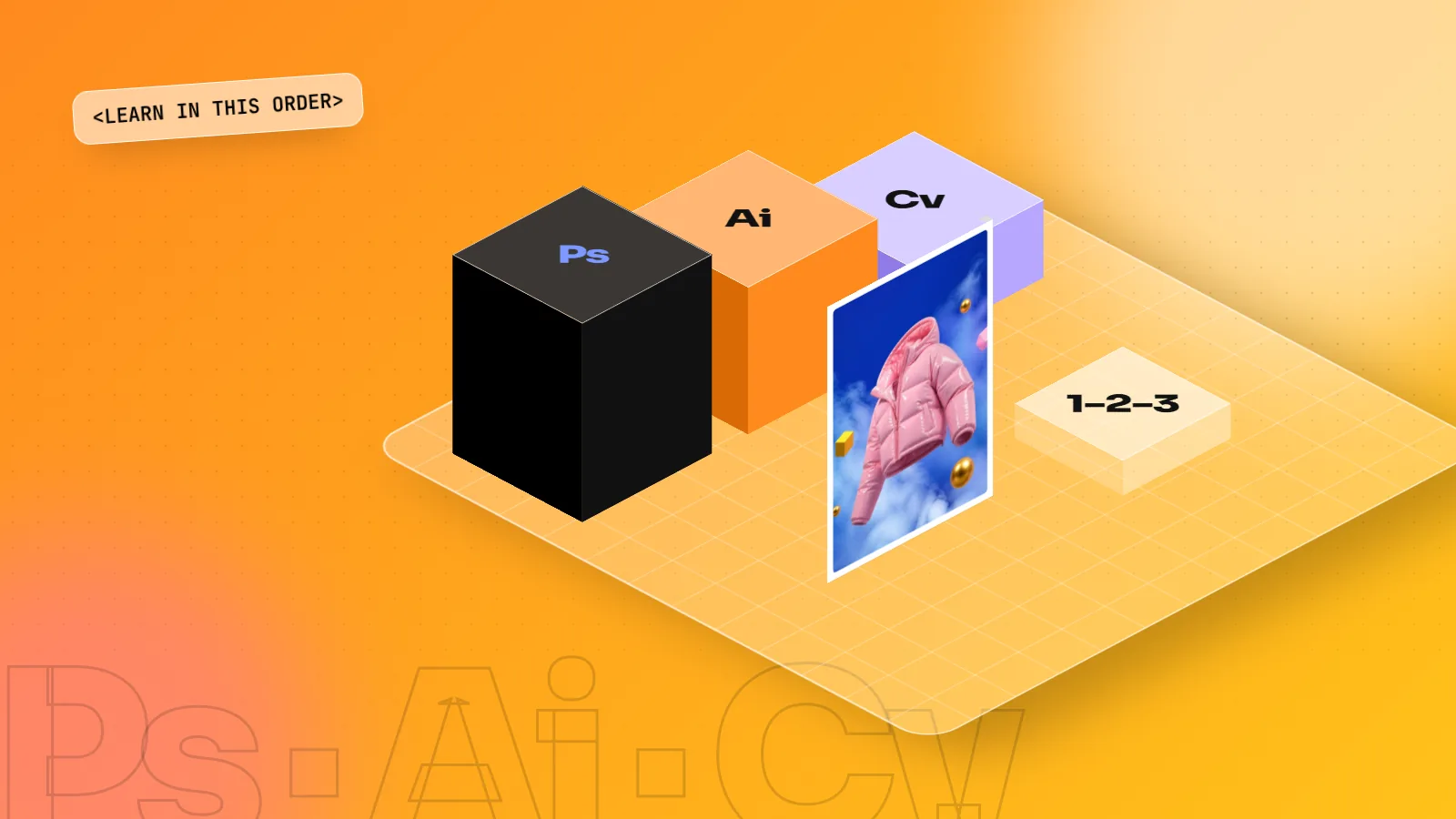
Learn Photoshop first, Illustrator second and Canva alongside both. Photoshop teaches layers, masks and photo work used in almost every design job. Illustrator teaches vector logos and icons that stay sharp at any size. Canva is fast for social posts once you understand typography and layout.
Short answer: learn Photoshop first, Illustrator second and Canva alongside both. Photoshop teaches you how images and layers work, Illustrator teaches you clean shapes and logos. Canva helps you turn out quick social posts once you know the basics of design.
What each tool is for
| Tool | Best for | Files you make |
|---|---|---|
| Adobe Photoshop | Photos, retouching, ad visuals, social media posts | JPG, PNG, layered PSD |
| Adobe Illustrator | Logos, icons, illustrations, anything that must scale | AI, SVG, PDF |
| Canva | Fast social posts, presentations, simple templates | PNG, PDF, MP4 |
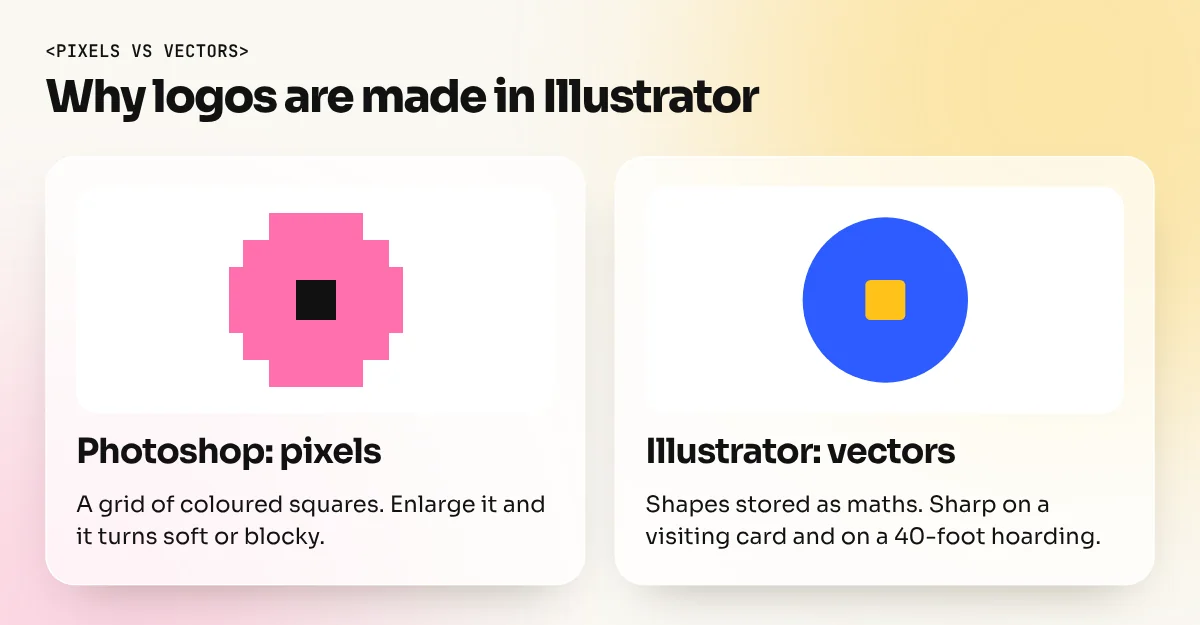
Pixels vs vectors: the one idea that explains everything
Photoshop works with pixels. A photo is a grid of tiny coloured squares. Make it bigger than its original size and the squares show, so the image looks soft or blocky.
Illustrator works with vectors. A shape is stored as maths: points, curves and fills. You can scale it from a pen drive sticker to a 40-foot hoarding and it stays perfectly sharp.
Canva mixes both but gives you far less control over either. It is built for speed, not for precise production work.
Once you understand this difference, the choice of tool for any job becomes obvious: photos go to Photoshop, logos and icons go to Illustrator, quick social content can go to Canva.
Why Photoshop comes first
Almost every design job touches a photo. In Photoshop you learn layers, masks, colour and resolution. These ideas carry into every other tool. Photoshop also has Generative Fill, so you learn AI image editing at the same time.
Why Illustrator comes next
A logo made in Photoshop gets blurry when it goes on a hoarding. Illustrator draws with vectors, so the same logo stays sharp on a visiting card and on a 40-foot banner. Clients expect a logo file from Illustrator, so this tool decides whether you can take brand work.
Which jobs ask for which tool
| Job | Photoshop | Illustrator | Canva |
|---|---|---|---|
| Junior graphic designer at an agency | Must have | Must have | Nice to have |
| Social media designer | Must have | Useful | Often used |
| Brand identity or logo designer | Useful | Must have | Rarely |
| Print shop or packaging designer | Must have | Must have | Rarely |
| Marketing executive who designs sometimes | Useful | Rarely | Often enough |
Read job posts on any job site and you will see the same pattern: design roles list Photoshop and Illustrator by name. Canva appears more in marketing roles.
Where Canva fits
Canva is quick. Social media managers use it every day for posts and stories. Learn it once you understand typography and layout, because Canva templates cannot fix a weak design. Many of our students use Canva for speed and Adobe tools for anything a client will print.
A simple 8-week plan if you are learning on your own
- Weeks 1 and 2: design basics. Copy three posters you like and note their colours, fonts and layout.
- Weeks 3 to 5: Photoshop. Layers, masks, cut-outs, colour correction, then one social post a day.
- Weeks 6 and 7: Illustrator. The pen tool, shapes and type. Redraw five simple logos, then design one of your own.
- Week 8: Canva. Make the same social post in Canva and in Photoshop and notice what each one lets you control.
For the full path from zero to a job, read how to learn graphic design from scratch.
The order we teach
- Design basics: colour, type and layout
- Photoshop, including Generative Fill
- Illustrator for logos and vectors
- InDesign for brochures and print
- Canva and AI tools for speed
- A full brand campaign for your portfolio
This is the order in our 6-month Graphic Design Diploma with AI. If you only need one tool, start with the Photoshop course or the Illustrator course. You can see what students make on the student work page. Curious about the AI side? See the best AI tools for graphic design.
Frequently asked questions
Can I get a design job with only Canva?
Some social media roles accept Canva, but most design studios, agencies and print shops ask for Photoshop and Illustrator. Canva is a good extra skill, not a replacement.
Should I learn Photoshop or Illustrator first?
Start with Photoshop for images and layers, then Illustrator for logos and vectors. Most students are comfortable with both within the first two months of a diploma.
Do I need to buy Adobe software to learn?
In our classroom you practise on licensed software in the lab. For home practice you need your own laptop and software.