Canva Pro Price in India 2026: Plans, Free Trial and Is It Worth It
Canva Pro price in India 2026 from Canva's own page: Free, Pro Lite, Pro and Business plans in rupees, what Pro includes, the free trial and who should pay.
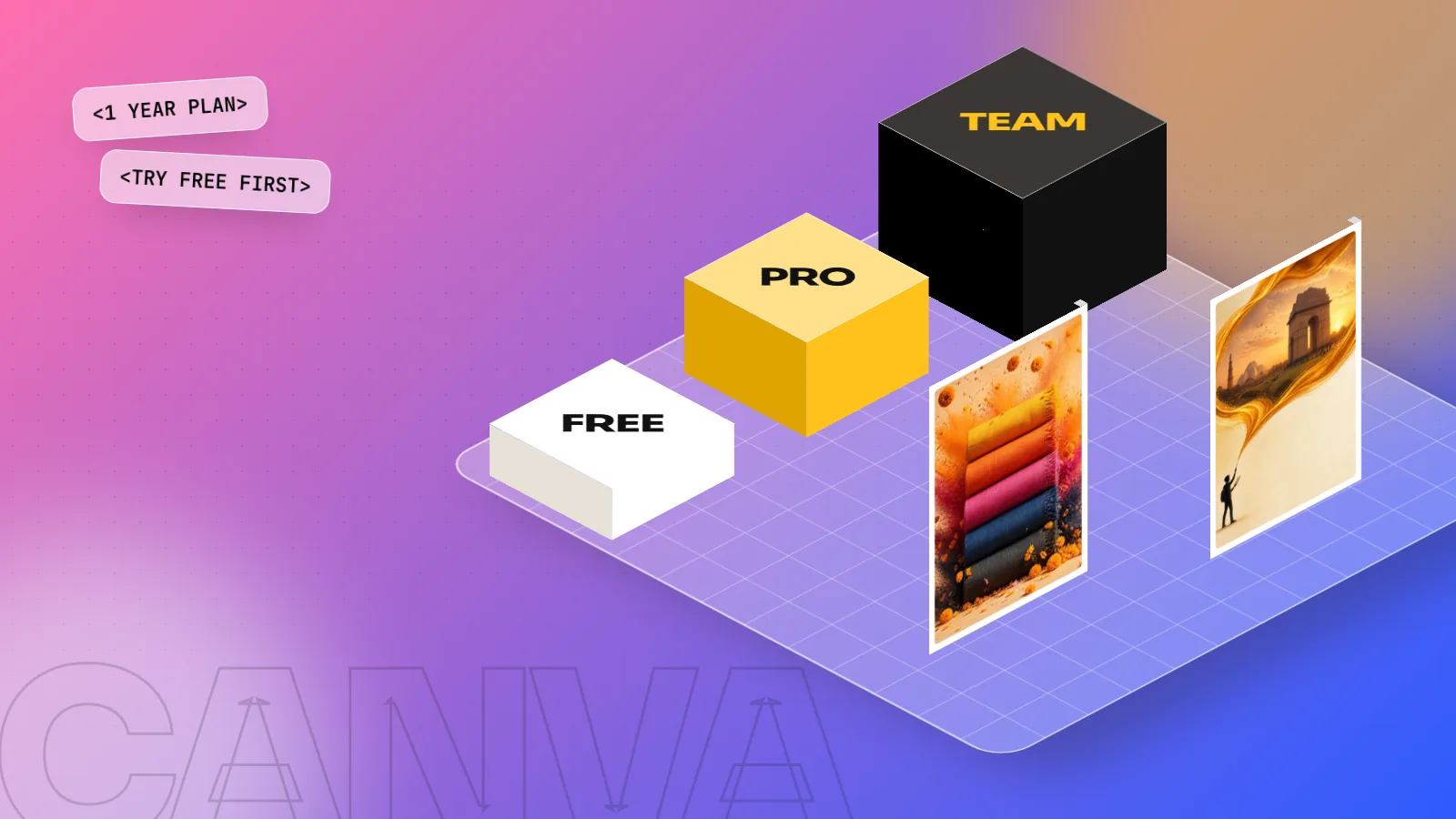
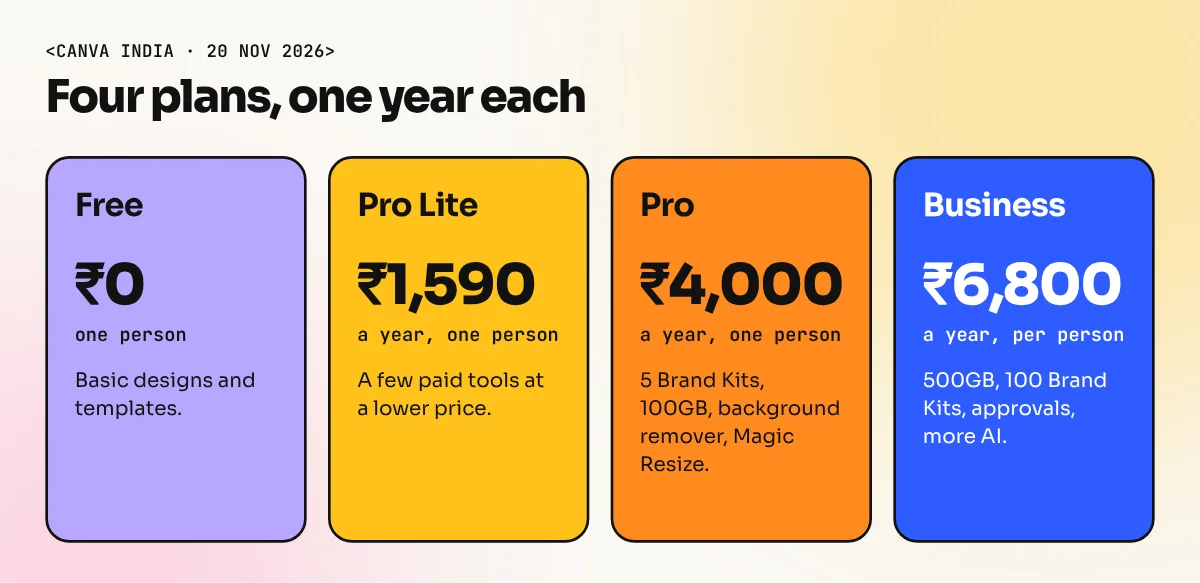
On Canva's India pricing page on 20 November 2026, Canva Pro was ₹4,000 a year for one person. Pro Lite was ₹1,590 a year and Business was ₹6,800 a year per person. Free costs ₹0. Pro adds 100GB storage, 5 Brand Kits and more AI tools. Canva changes offers often, so check the page before paying.
Canva Pro price in India is ₹4,000 a year for one person, according to Canva's own India pricing page on 20 November 2026. The cheaper Pro Lite plan was ₹1,590 a year and the Business plan was ₹6,800 a year per person. This guide explains each plan in simple words, what you get in Pro, how the free trial works and who should really pay.
One warning first. Canva changes plans and offers from time to time. Every figure below is what I saw on 20 November 2026. The page I read did not show monthly prices, so I will not guess them. Open Canva's pricing page and read the final amount at checkout before you pay.
Canva plans and prices in India at a glance
Here is what Canva's India pricing page showed.
| Plan | Who it is for | Price shown |
|---|---|---|
| Free | One person, basic designs | ₹0 |
| Pro Lite | One person who wants a few paid tools | ₹1,590 a year |
| Pro | One person, marked "Recommended" by Canva | ₹4,000 a year |
| Business | Individuals and teams | ₹6,800 a year per person |
| Enterprise | Large organisations | No price shown, contact sales |
Two more points from the page. Canva Teams is no longer open for new sign-ups or upgrades. Nonprofits can get a free subscription with Canva Pro features for one team of up to 50 users. Canva also has separate education offers for school educators and for higher education.
What does ₹4,000 a year mean per month?
Divide the yearly price by 12 and you get a rough monthly cost. This is only a quick way to compare. It is not a monthly price Canva charges.
| Plan | Yearly price | About per month |
|---|---|---|
| Pro Lite | ₹1,590 | ₹133 |
| Pro | ₹4,000 | ₹333 |
| Business | ₹6,800 | ₹567 |
A chai and samosa budget per week is about the same as Pro per month. For a freelancer who earns from social media posts, one small client pays for the whole year.
What you get in Canva Pro
Canva's page lists these Pro features:
- 5 Brand Kits. You save logos, colours and fonts for each client and apply them in one click.
- 100GB of cloud storage for your designs and uploads.
- A bigger stock library. Canva says it holds more than 141 million photos, graphics, fonts, videos and audio files.
- More templates. Canva lists more than 3.6 million.
- Photo and video background remover. Cut out a subject without opening Photoshop.
- Magic Resize. Turn an Instagram post into a story or a poster size in one step.
- More AI. Canva says Pro gives 10 times more AI than Free, with a monthly allowance that varies by plan.
- Social content scheduling.
Business adds 500GB of storage and 100 Brand Kits with approvals, plus 20 times more AI than Free. Pro Lite sits between Free and Pro. Canva's page did not list its features in the text I read, so compare the plan cards before you choose it.
Canva Pro free trial: how it works
Canva's pricing page says you can start a free trial of Canva Pro or Canva Business. It also says that the AI allowance during the trial is the same as Canva Free. The page did not state how many days the trial lasts, so read the length on the sign-up screen.
Follow these steps so the trial does not turn into a surprise payment:
- Start the trial with a real project, for example a month of posts for a small shop.
- Test Brand Kit, background remover and Magic Resize. These are the tools that save time.
- Note the trial end date on your phone calendar.
- Cancel before the date if you do not need the plan. Read Canva's cancellation and refund terms at checkout, because the page I read did not list them.
Canva also offers a one-time payment option for Pro, with one-day and one-week prepaid plans. Canva says these have no auto-renewal, so you are not charged again after the period ends. This is handy for one urgent project.
Pro, Pro Lite or Free: which one should you pick?
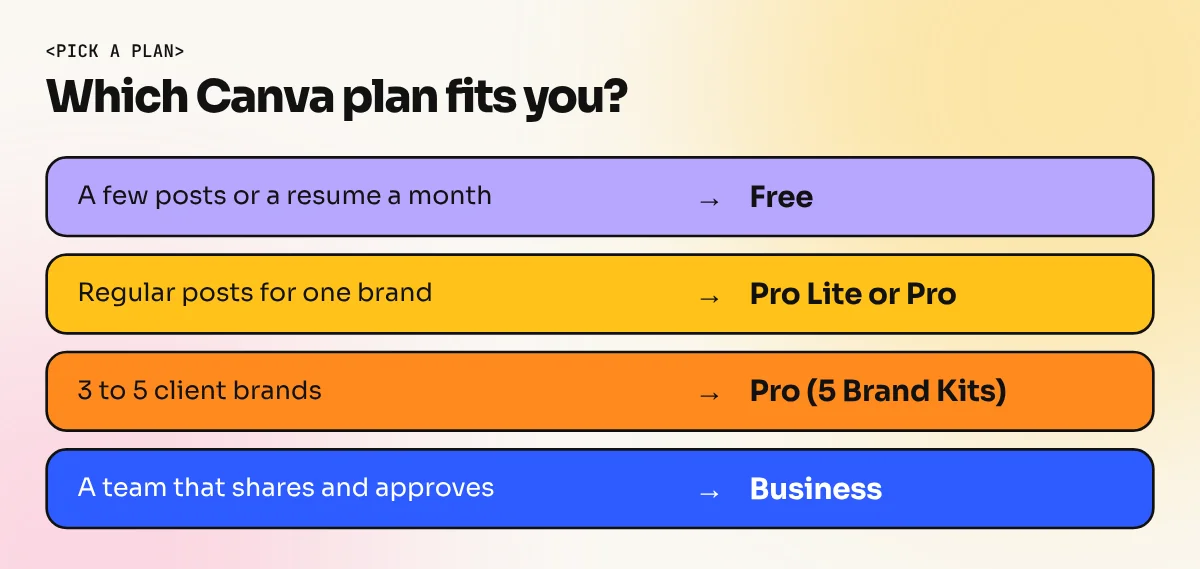
Use this simple guide.
| Your situation | Best pick |
|---|---|
| Making a few posts or a resume a month | Free |
| Posting often for one brand | Pro Lite or Pro |
| Handling 3 to 5 client brands | Pro (5 Brand Kits) |
| A team of designers who share and approve | Business |
| A school teacher | Check Canva's education offer |
If you are a student, start on Free. Learn layout, spacing and fonts first. A paid plan does not make a poster good. Good design sense does.
Canva Pro or Adobe: a price check
Many beginners ask whether they should pay for Canva or for Adobe. On Adobe's India page on 12 November 2026, Illustrator alone was ₹6,899 a year. You can see the full breakdown in our guide to Adobe Illustrator price in India. Canva Pro at ₹4,000 a year is cheaper, but the two tools do different jobs. Canva is fast for social posts, presentations and simple print files. Adobe tools give you full control for logos, packaging and detailed print work.
Canva is also fine for a quick logo idea, but there are limits. We explain where it works and where it falls short in Canva logo design: how far you can go.
Should you learn Canva before paying for Pro?
Yes, in most cases. A paid plan saves time only when you already know what you want to make. At our South Extension institute, the Canva course teaches layouts, brand colours, social posts and templates on real briefs, so you know which Pro tools you will use before you spend money. If you want a full career skill set with Photoshop, Illustrator and InDesign as well, look at the 6-month graphic design diploma. Ask the counsellor about batch timings and software access when you visit.
Common mistakes when buying Canva Pro
- Paying from an unofficial seller. Cheap "lifetime Canva Pro" offers on social media or marketplaces are risky. Accounts can be removed and you may lose your work. Buy only on Canva's own site or app.
- Sharing one Pro account. Canva's page says only one person can use a Pro account.
- Forgetting renewal. Set a reminder a week before the plan renews.
- Using Pro templates without checking licences. Read the content licence before you use a stock photo in a client logo.
- Buying before learning. First finish one real project on the free plan.
The bottom line
On 20 November 2026, Canva's India page showed Pro at ₹4,000 a year, Pro Lite at ₹1,590 a year and Business at ₹6,800 a year per person. Free stays at ₹0. Pick Free while you learn. Move to Pro when you post often or work for several brands. Use the free trial on a real project, set a renewal reminder and pay only on Canva's official site.
Frequently asked questions
How much is Canva Pro in India?
On Canva's India pricing page on 20 November 2026, Canva Pro showed ₹4,000 a year for one person. Pro Lite showed ₹1,590 a year and Business showed ₹6,800 a year per person. The page I read did not show monthly prices or say whether GST is included. Check the final amount at checkout.
Is there a Canva Pro free trial?
Yes. Canva's pricing page says you can start a free trial of Canva Pro or Canva Business. The page did not state the number of days, so read the trial length on the sign-up screen. It also says the AI allowance during the trial is the same as Canva Free.
Can two people share one Canva Pro account?
No. Canva's page says only one person can use a Canva Pro account. If your team needs several people, Canva points you to the Business plan, which is priced per member who accepts the invitation.
Is Canva Pro worth it for a student or a fresher designer?
It is worth it if you make many posts every week and need Brand Kits, background removal and resize tools to save time. If you make a few designs a month, the free plan is enough. Try the free trial on one real project before you pay.