CMYK vs RGB: Which Colour Mode for Print and Screen?
CMYK vs RGB in simple words: what each colour mode is, when to use it, how to convert in Photoshop, Illustrator and InDesign and how to stop colours going dull.
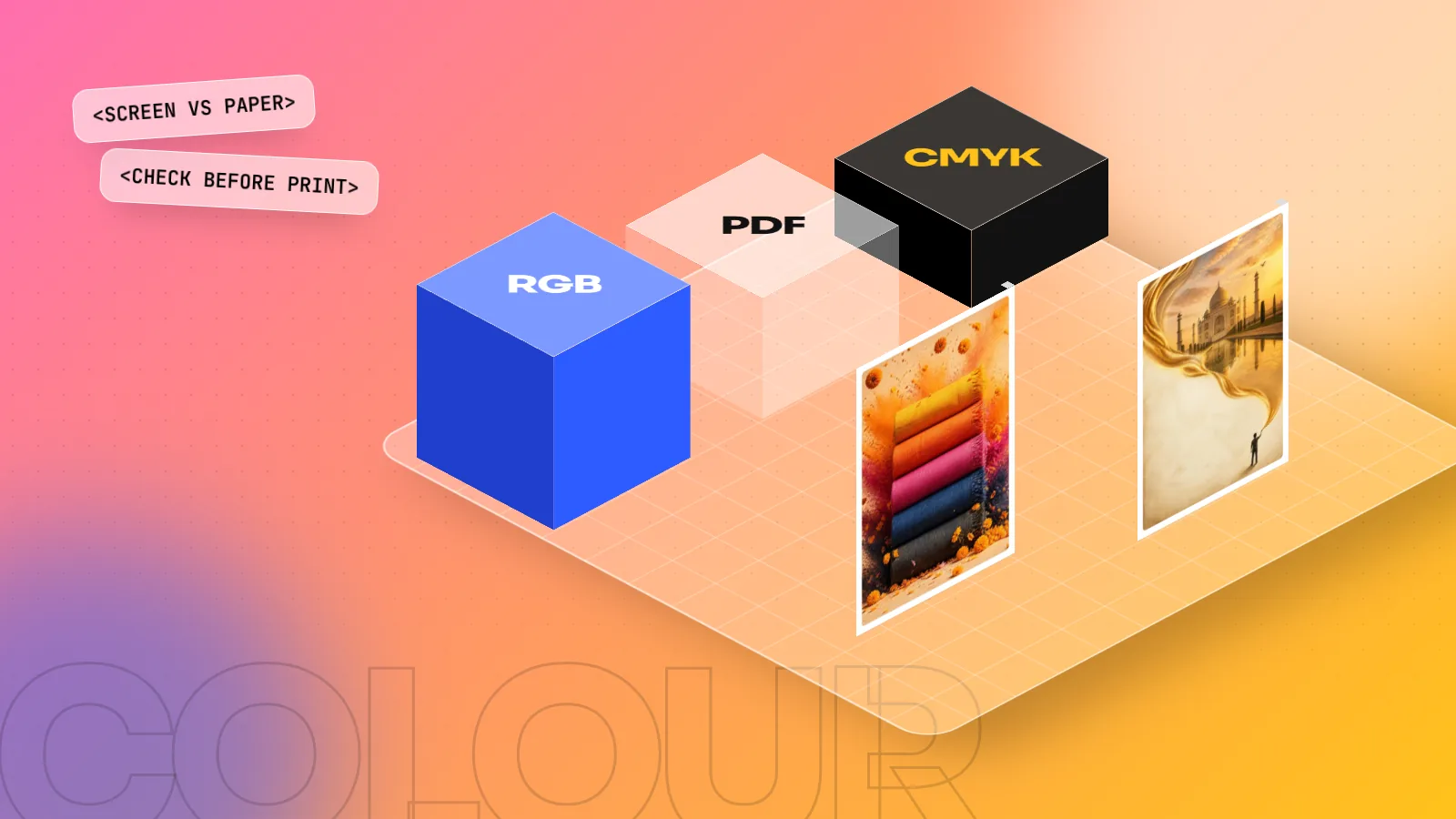
Use RGB for anything seen on a screen, like Instagram posts, websites, apps and videos. Use CMYK for anything printed with ink, like visiting cards, brochures, packaging and books. RGB mixes red, green and blue light and shows brighter colours. CMYK mixes cyan, magenta, yellow and black ink, so some bright screen colours look duller in print.
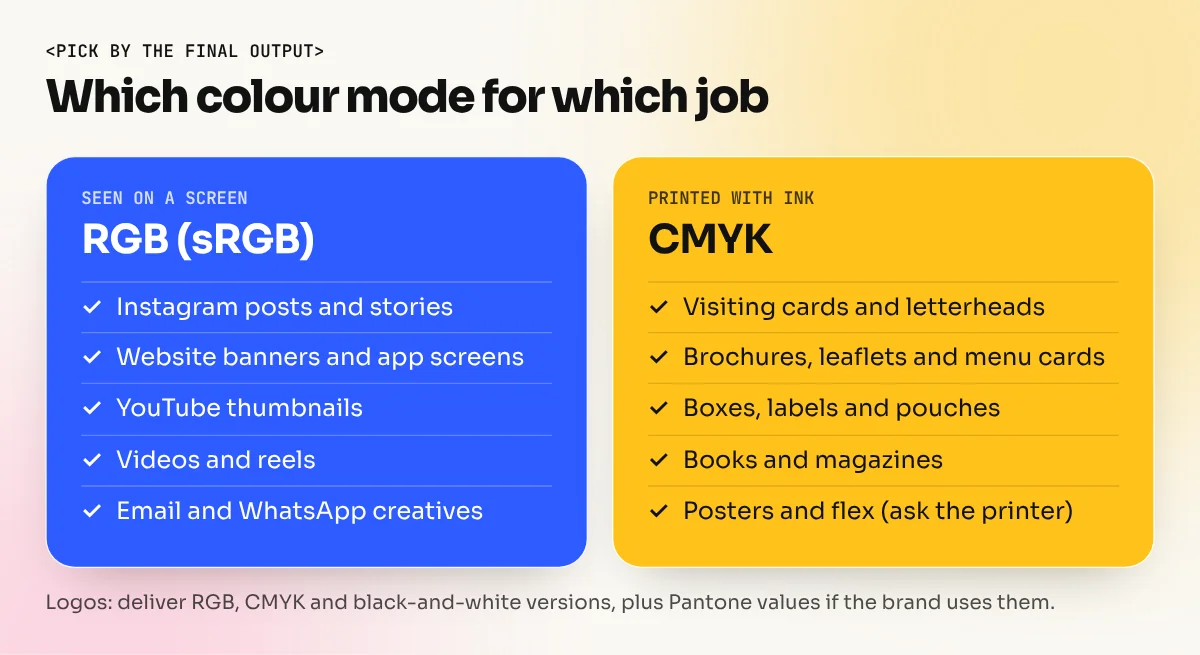
CMYK vs RGB comes down to one question: will people see your design on a screen or on paper? Use RGB (red, green, blue) for screens: social media posts, websites, apps, YouTube thumbnails and videos. Use CMYK (cyan, magenta, yellow, black) for print: visiting cards, brochures, packaging, books and posters. Choose the wrong colour mode and a bright pink logo can come back from the press looking muddy. This guide explains both modes simply, shows when to use each and walks you through converting files in Photoshop, Illustrator and InDesign.
What RGB means
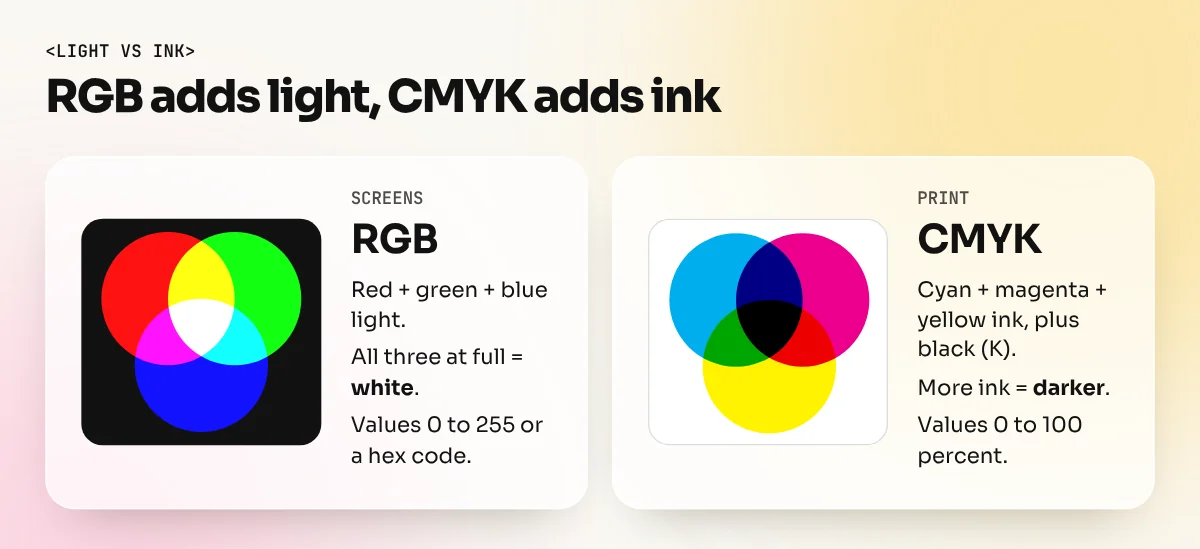
RGB is the colour mode of light. Your phone, laptop and TV make every colour by mixing tiny red, green and blue lights.
- All three at full strength make white.
- All three switched off make black.
- Mixing them in different amounts gives millions of colours.
This is called additive colour, because you add light to get brighter colours. Each channel usually runs from 0 to 255, so pure red is R255 G0 B0. Hex codes like #2E5BFF are just RGB values written in short form for the web.
Most screens and the web follow a standard called sRGB, which was created by HP and Microsoft in the 1990s. If you export images for Instagram or a website, sRGB is the safe choice.
What CMYK means
CMYK is the colour mode of ink on paper. A printing press lays down four inks in tiny dots:
- C for cyan (a light blue)
- M for magenta (a pink-purple)
- Y for yellow
- K for key, which is black
This is called subtractive colour. Paper starts white and each ink absorbs (subtracts) some of the light that bounces back to your eye. More ink means a darker colour. Values run from 0 to 100 percent per ink, so a strong red might be C0 M100 Y100 K0.
Why add black at all? In theory cyan, magenta and yellow together make black. In practice they make a muddy dark brown, use a lot of ink and take longer to dry. A separate black ink gives sharp text and clean shadows.
CMYK vs RGB: the key differences
| Point | RGB | CMYK |
|---|---|---|
| Full form | Red, Green, Blue | Cyan, Magenta, Yellow, Key (black) |
| Made with | Light from a screen | Ink on paper, board or vinyl |
| Colour type | Additive (more = lighter) | Subtractive (more = darker) |
| Range of colours | Wider, very bright colours | Narrower, bright neons are hard |
| Values | 0 to 255 per channel, or hex | 0 to 100 percent per ink |
| Used for | Social media, web, apps, video, TV | Cards, brochures, packaging, books, posters |
| Common files | JPG, PNG, WebP, MP4 | Print PDF, TIFF, AI, INDD |
The most important row is the range of colours, which designers call the gamut. RGB can show many bright colours that printing inks simply cannot make. That is why a design can look great on your laptop and flatter in print.
Which colour mode to use for each job
Here is a quick guide for everyday Indian design work.
| Job | Colour mode | Why |
|---|---|---|
| Instagram post, story or reel cover | RGB (sRGB) | Seen only on phones |
| Website banner or app screen | RGB (sRGB) | Seen only on screens |
| YouTube thumbnail | RGB | Screen only |
| Visiting card | CMYK | Offset or digital print |
| Brochure, leaflet or menu card | CMYK | Printed on paper |
| Product box or label | CMYK, plus spot colours if needed | Printed on board or film |
| Book or magazine | CMYK | Offset printing |
| Flex hoarding or banner | Usually CMYK; ask the printer | Large-format printers vary |
| Logo files for a client | Both, plus black and white | Brands use logos everywhere |
For a logo, always deliver a full set: RGB files for screens, CMYK files for print and, where the brand has them, Pantone (spot colour) values for exact matching.
How to convert RGB to CMYK in Photoshop, Illustrator and InDesign
Always ask your printer which CMYK profile they want before you convert. Different presses and papers print the same numbers slightly differently.
In Photoshop:
- Save a copy of your RGB file first, so you keep the bright original.
- Go to Edit > Color Settings and choose the CMYK profile your printer gave you.
- Turn on View > Proof Colors (Ctrl+Y, or Cmd+Y on a Mac) to preview the print result while still in RGB.
- Turn on View > Gamut Warning to see which areas cannot print. They show up in grey.
- Adjust those colours with Hue/Saturation or Curves until they look right in the preview.
- Go to Image > Mode > CMYK Color to convert. Save as TIFF or a print PDF.
In Illustrator: for print work, choose CMYK when you create a new document. To change an existing file, go to File > Document Color Mode > CMYK Color, then check your swatches.
In InDesign: make sure your colour swatches are set to CMYK (or spot colours for Pantone). When you export, use File > Export > Adobe PDF (Print) and choose the preset your printer asks for. Many printers ask for a PDF/X preset, which converts colours to the chosen CMYK profile on export.
In Canva: Canva designs are RGB. Its PDF Print download offers a CMYK option on some paid plans, so check Canva's own help page for your plan before sending files to press.
How to stop colours going dull in print
Some colour shift is normal. These habits keep it small.
- Start print jobs in CMYK. If the brochure will only ever be printed, set up the Illustrator or InDesign file in CMYK from the first click.
- Avoid neon screen colours for print. Very bright greens, electric blues and hot oranges are the first to go flat.
- Use a rich black for big dark areas. Plain K100 can look greyish on large backgrounds. Ask your printer for their rich black recipe; for body text, stay with plain K100 so letters stay sharp.
- Use spot colours for exact brand shades. If a brand colour must match every time, the printer can use a Pantone ink instead of mixing it from CMYK.
- Check images at 300 ppi at print size. Low resolution looks blurry whatever the colour mode.
- Ask for a printed proof. A screen, even a good one, cannot show exactly how ink will look on a specific paper.
Remember that your monitor also matters. A very bright laptop screen makes every colour look stronger. Turn the brightness down a little when you judge print colours.
Common CMYK and RGB mistakes beginners make
| Mistake | What happens | Fix |
|---|---|---|
| Designing a menu card in RGB and sending a JPG | Colours shift, text may print blurry | Set up in CMYK, export a print PDF |
| Uploading CMYK images to Instagram | Odd or washed-out colours on phones | Export screen work in sRGB |
| Converting back and forth many times | Colours lose detail each time | Keep one RGB master, convert a copy once |
| Using four-colour black for small text | Blurry, coloured edges on letters | Use 100 percent black (K100) only |
| Matching print to a phone screen | The client is unhappy with the proof | Show a printed proof, not a phone photo |
These are some of the first lessons in our Adobe InDesign course, because print files are where small colour mistakes cost real money. If most of your work is photos and social media, the Adobe Photoshop course covers colour modes, Proof Colors and export settings in practice. For more on preparing print jobs, see our packaging design guide and the step-by-step leaflet design guide.
The bottom line
RGB is for light, CMYK is for ink. Design screen work in RGB and print work in CMYK, convert only once with your printer's profile and always check a proof before a big print run. Get this one setting right and your colours will look the way you planned, on a phone and on paper.
Frequently asked questions
Should I design in RGB or CMYK?
Design in the mode of the final output. For screen work stay in RGB from start to finish. For print, set the document to CMYK at the start in Illustrator or InDesign. In Photoshop many designers edit photos in RGB and convert a copy to CMYK at the end, after checking with Proof Colors.
Why do my colours look dull after converting to CMYK?
RGB can show more bright colours than printing inks can make. When you convert, Photoshop or Illustrator replaces those out-of-range colours with the nearest ones ink can print, so neons, bright blues and greens often look flatter. This is normal. Adjust the colours after converting, or pick print-safe colours from the start.
Is a hex code RGB or CMYK?
A hex code such as #FF6FAE is an RGB colour written in a short form for screens and the web. It has no fixed CMYK value. To print that colour, convert it in your software with your printer's CMYK profile, or match it to a Pantone shade, then check a printed proof.
Can I send an RGB file to the printer?
Some printers accept RGB files and convert them, but you then lose control over how colours change. It is safer to send a CMYK print PDF made with the profile your printer asks for. Always ask the print shop first, because offset, digital and flex printers can have different needs.