What Is Graphic Design? Meaning, Types and Real Examples
What is graphic design? A simple meaning, how it works, the main types with everyday Indian examples, the tools designers use and the skills you need to start.
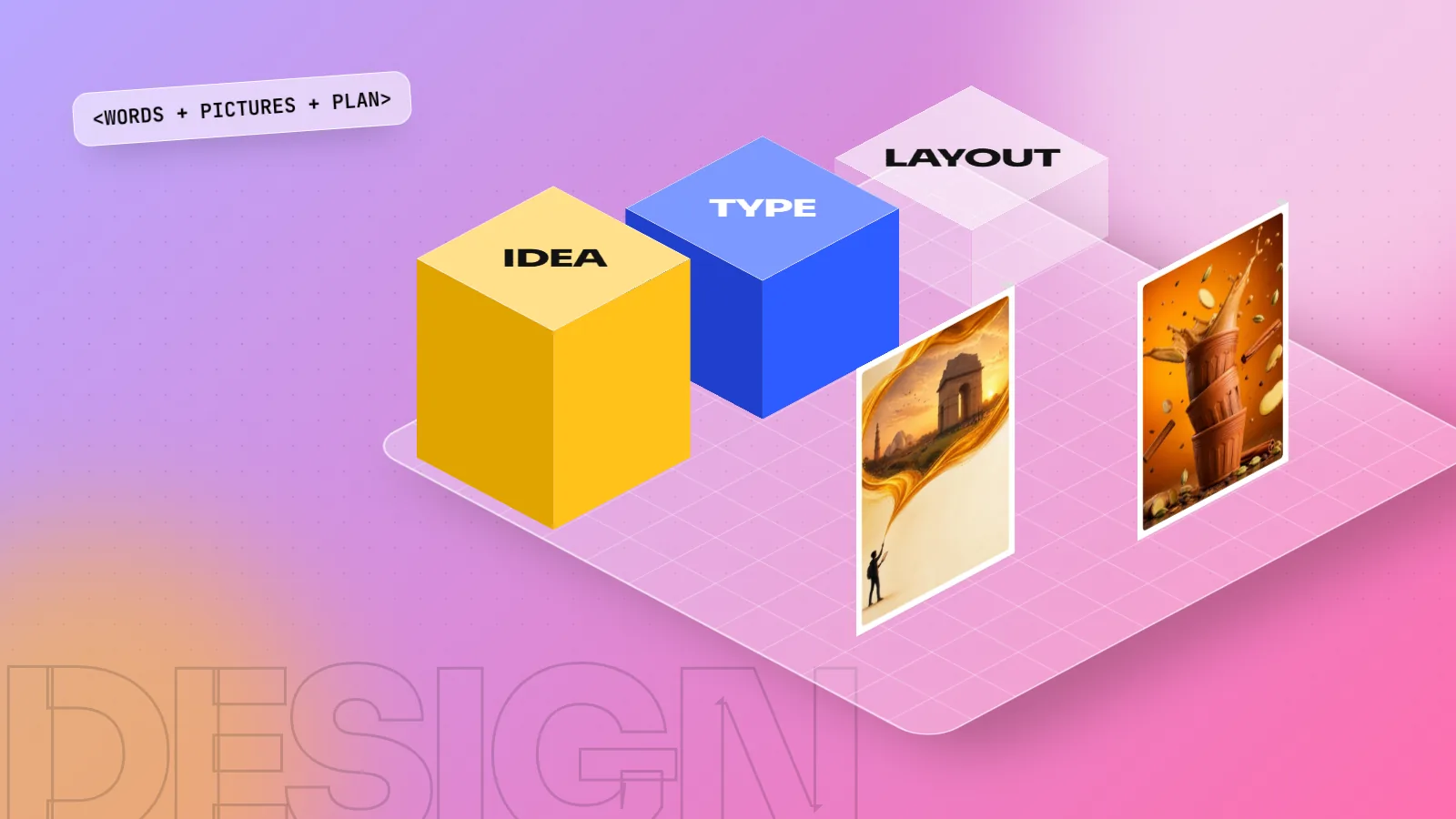
Graphic design is the work of planning and arranging words, pictures, colour and shapes so that a message is easy to see and understand. Logos, posters, packaging, menus, hoardings, websites and social media posts are all graphic design. The goal is not just to look nice but to make people notice, understand and act.
Graphic design is the craft of arranging words, pictures, colour and shapes so that a message is clear, attractive and easy to act on. If you have ever read a hoarding on the Ring Road, picked a biscuit packet off a kirana shelf or stopped scrolling at an Instagram ad, you have used graphic design. So what is graphic design in real terms? It is communication first and decoration second. This guide explains the meaning, how a designer works, the main types, the tools and the skills you need to begin.
Graphic design meaning in simple words
Break the term into two parts:
- Graphic means visual: letters, images, lines, shapes and colour.
- Design means a plan made for a purpose.
Put together, graphic design is a visual plan made to deliver a message to a specific group of people. The US Bureau of Labor Statistics describes graphic designers as people who create visual concepts, by computer or by hand, to communicate ideas that inspire, inform and captivate consumers. That one line holds the whole idea: the work exists to communicate.
The term itself is about a hundred years old. The American type designer William Addison Dwiggins is widely credited with using the phrase "graphic design" in 1922 to describe his work on books and print. The job, of course, is much older. Shop signs, temple inscriptions and hand-painted film posters were all graphic design long before the name existed.
Here is a quick way to tell art and graphic design apart:
| Fine art | Graphic design | |
|---|---|---|
| Starts from | The artist's own feeling | A client's brief and an audience |
| Main question | What do I want to express? | What must the viewer understand or do? |
| Judged by | Personal meaning | Did the message work? |
| Example | A painting in a gallery | A Diwali sale poster for a Lajpat Nagar shop |
How graphic design works: message, audience, action
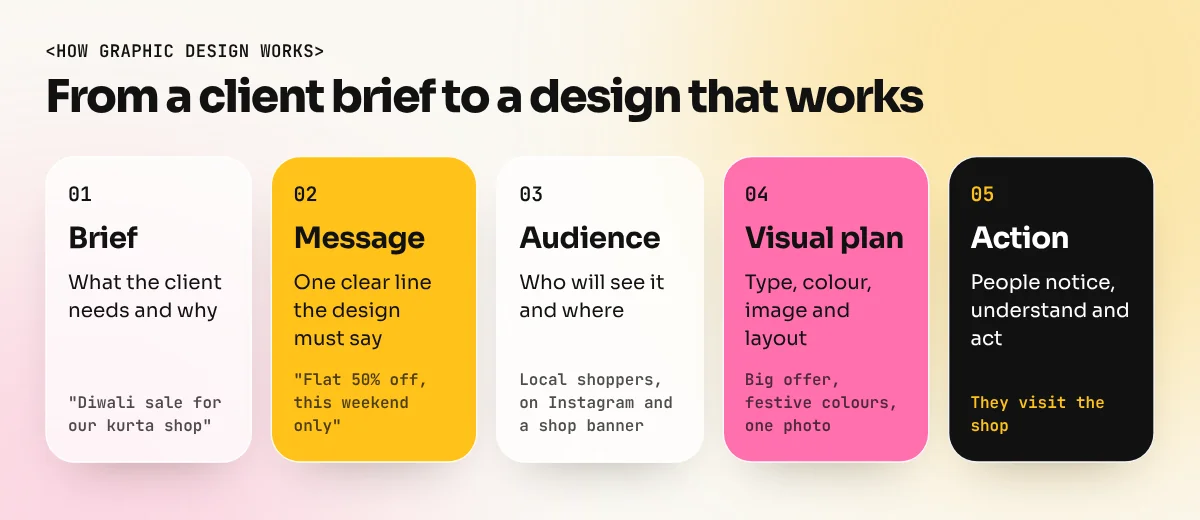
Every good design answers three questions before any software is opened.
- What is the message? "50% off on all kurtas this weekend" is a message. "We are a modern brand" is not specific enough.
- Who is it for? A college student, a busy office worker and a grandmother read a poster very differently.
- What should they do next? Visit the shop, scan a QR code, call a number or simply remember the name.
Once those are clear, the designer chooses the building blocks: a typeface that suits the tone, colours that match the brand, a photo or illustration that tells the story at a glance and a layout that decides what the eye reads first, second and third.
Think of a simple chai stall menu board. A good one puts the stall name big and bold, lists items in clean rows, shows prices in one straight column and uses one or two warm colours. A bad one has five fonts, tiny prices and no clear order. Both have the same information. Only one is well designed.
The main types of graphic design (with everyday examples)
Graphic design is a big field. Most designers start broad and later focus on one or two areas. Here are the areas you will meet most often, each with an example you can see in any Indian city.
| Area | What it covers | Everyday example |
|---|---|---|
| Brand identity | Logos, colours, fonts, brand rules | The logo and colours of a local sweet shop chain |
| Advertising and marketing | Ads, posters, hoardings, flyers | A festive sale hoarding on a flyover |
| Social media design | Posts, carousels, story graphics | A café's weekly offer post on Instagram |
| Packaging | Boxes, labels, wrappers | A masala pouch or a mithai box |
| Publication and print | Books, magazines, brochures, menus | A restaurant menu or a college prospectus |
| Environmental and signage | Wayfinding, store signs, exhibition walls | Metro station signs and platform maps |
| Digital and web graphics | Banners, website visuals, app screens | A banner on a shopping app's home page |
| Motion graphics | Moving text and shapes for video | An animated logo at the start of a reel |
Each of these has its own jobs, tools and portfolio style. We will cover them one by one in a separate guide on the types of graphic design and the careers behind each.
Graphic design examples you see every day
You do not need a museum to study design. Your daily commute is full of it.
- Hoardings and topical ads. Amul has run its witty topical hoardings since the 1960s. They work because the layout is always the same: one illustration, one short pun, the brand name in the same place. People recognise the brand before they read a word. That is consistency, one of the most valuable things a designer builds.
- Metro signage. The Delhi Metro gives each line a colour name, such as the Yellow Line and the Blue Line, then repeats that colour on maps, signs and platform boards. A first-time visitor can find the right train without reading much at all. That is design solving a real problem.
- Packaging on a kirana shelf. A biscuit packet has about two seconds to catch your eye among fifty others. Bold colour, a clear product photo and a large brand name do that job.
- Your phone. App icons, food delivery banners and the posts you scroll past are all designed, tested and changed often.
Once you start noticing these choices, you start thinking like a designer.
Tools graphic designers use
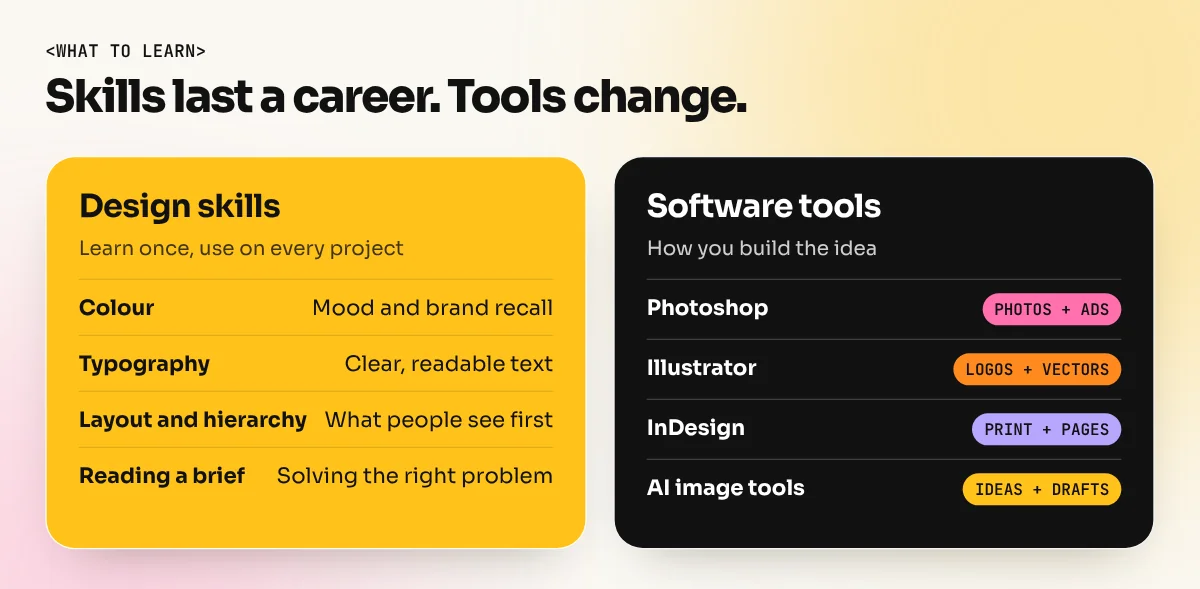
Software is how a designer builds the idea. It is not the idea itself. Still, employers expect you to know the standard tools well.
| Tool | Best for | Type of file |
|---|---|---|
| Adobe Photoshop | Photo editing, social posts, ad visuals, Generative Fill | Pixels (raster) |
| Adobe Illustrator | Logos, icons, illustrations, print graphics | Vectors (scale to any size) |
| Adobe InDesign | Brochures, menus, magazines, books | Multi-page layouts |
| CorelDraw | Print shop work, flex banners, visiting cards | Vectors |
| Canva | Quick social posts and simple layouts from templates | Mixed |
| AI image tools | Moodboards, backgrounds, quick variations | Pixels |
If you are unsure where to start, our comparison of Photoshop vs Illustrator vs Canva explains which tool does what and the order to learn them in. Most learners begin with Photoshop because it is used in almost every design job. You can start with a focused Photoshop course and add the other tools later.
What does a graphic designer do all day?
The US Bureau of Labor Statistics lists the core duties of the job. In plain words, a designer:
- Meets the client or art director to understand the project.
- Uses photo editing, illustration and layout software to create designs.
- Makes visual elements such as logos, original images and illustrations.
- Chooses colours, images and typefaces for the layout.
- Presents ideas to the client and explains the choices.
- Makes the changes the client asks for.
- Checks every design for mistakes before it is printed or published.
Notice how much of that list is about people, not software: understanding, presenting, explaining and checking. The same source notes that around one in five graphic designers in the US is self-employed, which shows how common freelance work is in this field. In India too, many designers work in agencies, in-house brand teams, print studios or as freelancers serving local businesses.
Skills you need to start in graphic design
You do not need to be a great painter. You need a set of learnable skills and the habit of practising them.
| Skill | Why it matters | How to practise |
|---|---|---|
| Colour | Sets the mood and makes brands recognisable | Copy colour palettes from packaging you like |
| Typography | Most designs are mostly text | Redesign a menu using only two fonts |
| Layout and hierarchy | Decides what people see first | Rebuild a busy poster with one clear focus |
| Software | Turns ideas into real files | Daily short exercises in Photoshop and Illustrator |
| Understanding a brief | Keeps the design on target | Write a one-line message before every project |
| Feedback | Every client asks for changes | Show your work to others and fix it calmly |
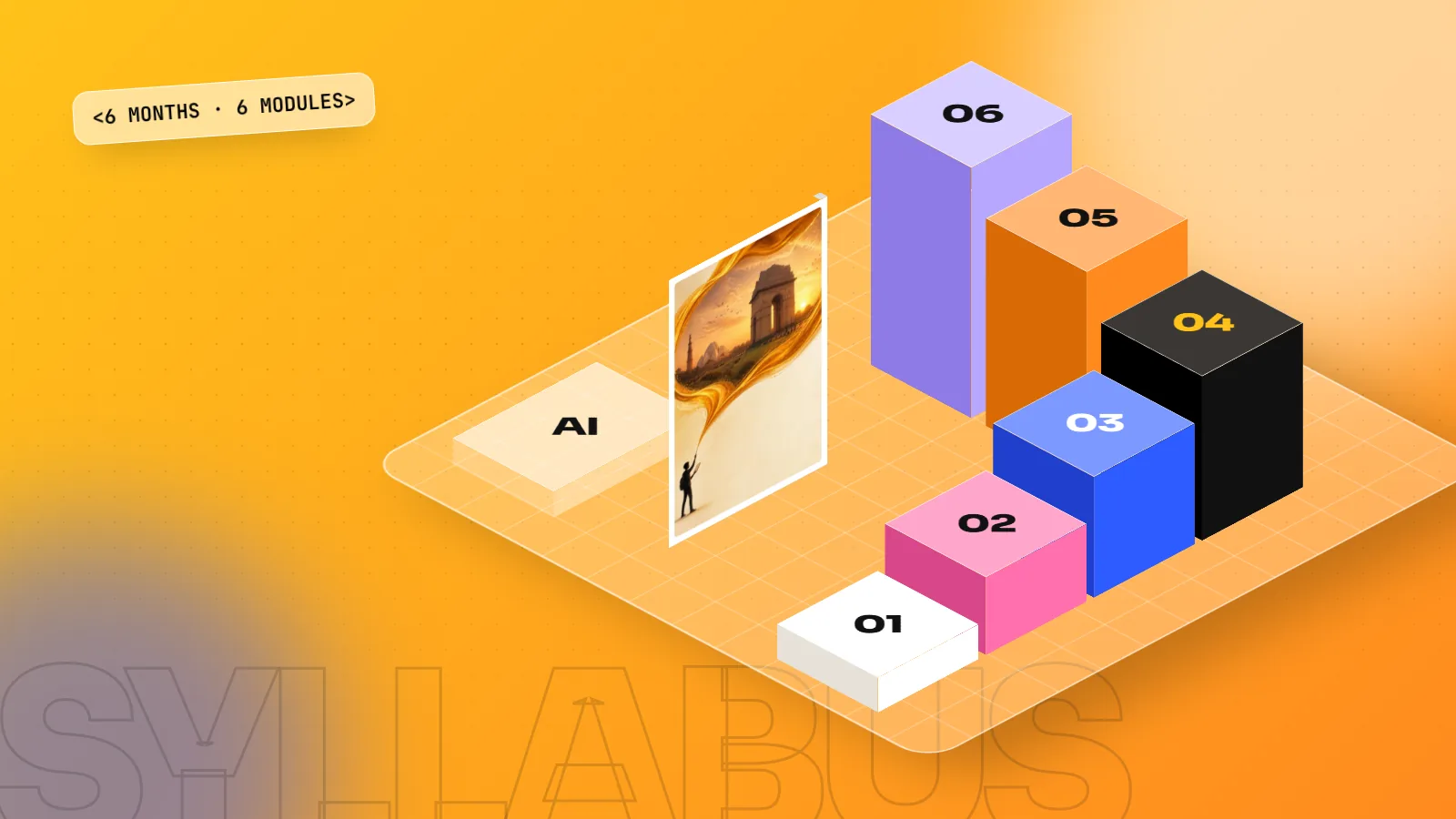
These skills are learnt step by step. Our guide on how to learn graphic design gives a month-by-month roadmap from zero to a first job. If you would rather learn with a teacher, live projects and a portfolio at the end, the 6-month graphic design diploma covers design basics, the Adobe tools, Photoshop Generative Fill and AI image tools, print files and portfolio building in one plan.
The bottom line
Is graphic design still worth learning? Yes, as long as you learn the thinking along with the tools. AI can now make images in seconds, but it does not understand a client, a brand or an audience the way a person does. Routine production work is shrinking, while work built on ideas, brand systems and clear communication keeps its value. AI is a tool that makes a good designer faster, not a replacement for one.
Graphic design is the planned use of words, images, colour and layout to help people understand something and act on it. It is around you all day, from metro signs to mithai boxes. You do not need a special talent to start. You need curiosity, the basic rules, the right software and lots of practice on real briefs. Start by noticing the designs around you today and asking one question about each: what is this trying to tell me and does it work?
Frequently asked questions
What is graphic design in simple words?
Graphic design is using text, images, colour and layout to share a message. A shop sign, a cereal box and an Instagram ad are all designed so that people understand them quickly.
Is graphic design the same as drawing?
No. Drawing can be part of it, but graphic design is mainly about choosing and arranging type, images and colour to solve a communication problem. Many working designers rarely draw by hand.
Which software is used for graphic design?
Most studios use Adobe Photoshop for photos, Adobe Illustrator for logos and vector art and Adobe InDesign for multi-page print. Canva is common for quick social posts. CorelDraw is still used in many print shops in India.
Can I learn graphic design without being good at art?
Yes. Graphic design is a skill built on rules you can learn: colour, typography, layout and hierarchy. Practice and feedback matter far more than a natural talent for painting.